Table of Contents
- What Makes Claude and ChatGPT Different at Their Core
- Why the Right AI Tool Matters for Knowledge Work
- How to Choose the Right Tool for Your Workflow
- Common Questions — Claude vs ChatGPT
- Conclusion: Choosing the Right AI for Knowledge Work
- Editorial and update note
- Related Hubkub resources
- How to choose between these options
- FAQ
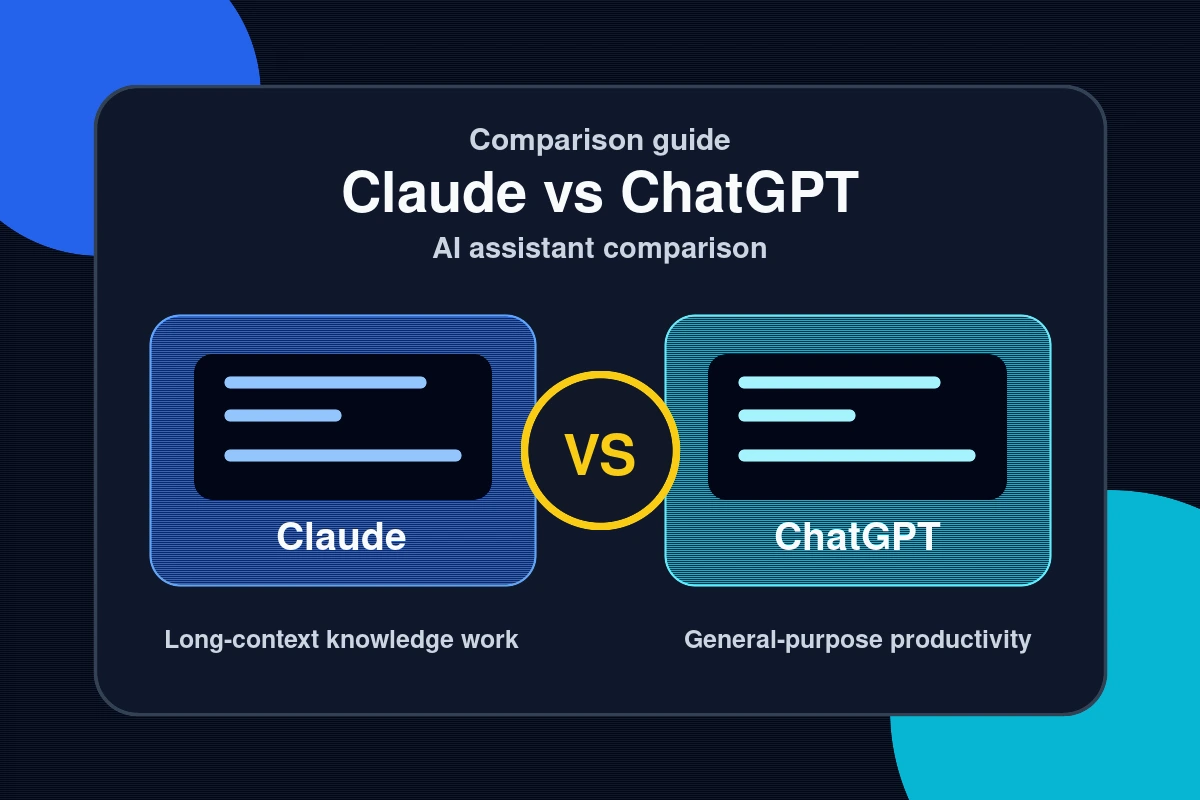
Choosing between Claude and ChatGPT is one of the most consequential decisions a knowledge worker can make in 2026. Both AI assistants promise to boost your productivity, sharpen your writing, and accelerate your research — but they approach intelligence in fundamentally different ways. Studies suggest that professionals who select the right AI tool for their workflow save an average of 90 minutes per day compared to those using a mismatched tool. So which one actually fits the demands of deep knowledge work? This practical comparison breaks down real-world performance across writing, analysis, coding, and research tasks — so you can stop guessing and start choosing with confidence.

What Makes Claude and ChatGPT Different at Their Core
Claude is built by Anthropic, a company founded on the principle of AI safety and what they call “Constitutional AI” — a training approach that bakes in helpfulness, harmlessness, and honesty at the model level. ChatGPT, developed by OpenAI, is trained with RLHF (Reinforcement Learning from Human Feedback) and has been iteratively fine-tuned for broad consumer appeal across millions of use cases.
On paper, they both generate text, answer questions, and assist with analysis. In practice, the difference in tone, reasoning depth, and response structure is immediately noticeable to anyone doing serious knowledge work.
Context Window and Memory: A Practical Gap
Claude 3.5 and Claude 3 Opus both support context windows of up to 200,000 tokens — roughly 150,000 words in a single session. ChatGPT’s GPT-4o supports up to 128,000 tokens. For knowledge workers handling long documents, legal contracts, academic papers, or entire codebases, Claude’s larger context window is a tangible advantage. You can paste an entire research paper and ask nuanced questions without losing earlier content from the working memory.
Why the Right AI Tool Matters for Knowledge Work

Knowledge work isn’t about speed alone — it’s about producing outputs that require judgment, synthesis, and precision. The wrong AI tool doesn’t just slow you down; it can introduce errors, force you to re-edit excessively, or generate outputs so generic they require complete rewrites.
- Writing quality: Claude consistently produces more nuanced, structured long-form content. ChatGPT tends toward snappier, more conversational outputs that may require less editing for social or marketing content.
- Analytical depth: Claude excels at breaking down complex arguments and identifying logical gaps. It’s less likely to confidently state incorrect information when uncertain.
- Coding assistance: ChatGPT with Code Interpreter and plugins integrates more deeply with developer workflows. Claude handles large codebases better in a single session due to its context advantage.
- Research synthesis: Claude produces more academically structured summaries. ChatGPT’s browsing capability (in GPT-4o) lets it pull live data, which Claude currently lacks in most interfaces.
- Instruction following: Both are strong, but Claude is frequently rated higher in complex multi-step instruction tasks by independent benchmarks.
If you’re building workflows around AI tools, check out our practical how-to guides for integrating these tools into daily work processes.
How to Choose the Right Tool for Your Workflow
There’s no universally superior option — the right choice depends on your dominant use case. Here’s a step-by-step decision process:
- Define your primary task. Are you writing long-form articles, analyzing documents, writing code, or generating creative content? Your dominant task should drive your choice.
- Audit your document length needs. If you regularly work with documents over 50,000 words or complex multi-file codebases, Claude’s 200k context window is a meaningful advantage.
- Evaluate integration requirements. If you rely on real-time web search, plugins, or image generation within the same interface, ChatGPT’s ecosystem is more mature.
- Test with real tasks. Don’t rely on benchmarks alone. Paste your actual work tasks into both tools and compare the outputs side by side.
- Consider cost per value. Both Claude Pro and ChatGPT Plus are priced at $20/month. Enterprise tiers differ significantly in API pricing, rate limits, and features.
- Look at team collaboration. ChatGPT’s Teams plan and Claude’s team features differ in permission management, shared prompts, and audit logs — critical for organizational use.
For an independent analysis of AI tool benchmarks, Scale AI’s HELM leaderboard offers rigorous, task-specific comparisons updated regularly.
Common Questions — Claude vs ChatGPT
Is Claude better than ChatGPT for writing?
For long-form, structured, and analytical writing, Claude generally produces higher-quality outputs with fewer hallucinations. ChatGPT is competitive for shorter, punchier content and performs better when real-time information or web browsing is required in the writing process.
Which AI is more accurate — Claude or ChatGPT?
Both models hallucinate, but Claude has been designed with a stronger emphasis on acknowledging uncertainty. In head-to-head factual accuracy tests, Claude 3 Opus scores highly on reducing confident incorrect answers. However, ChatGPT with web browsing can access current information, which reduces errors on time-sensitive queries.
Can I use both Claude and ChatGPT together?
Yes, and many power users do. A common workflow uses ChatGPT for quick research and ideation (using live browsing), then feeds the results into Claude for deep analysis, structuring, or long-form writing. Using both tools in complementary roles often outperforms exclusive reliance on either.
Which is better for coding — Claude or ChatGPT?
ChatGPT’s Code Interpreter and integration with tools like GitHub Copilot give it an edge in interactive coding workflows. Claude’s larger context window makes it better for reviewing entire codebases, understanding legacy code, or debugging across many files simultaneously. For day-to-day autocomplete and code generation, they’re roughly comparable on modern benchmarks.
Conclusion: Choosing the Right AI for Knowledge Work
After breaking down both tools across the dimensions that matter most for knowledge workers, here are the three key takeaways:
- Claude leads on depth: For long-document analysis, structured writing, and nuanced instruction following, Claude’s Constitutional AI approach and 200k context window deliver measurable advantages.
- ChatGPT leads on breadth: Real-time browsing, plugin ecosystems, image generation, and broader tool integrations make ChatGPT more versatile for mixed-use workflows.
- Your use case is the deciding factor: No single benchmark tells the full story. Test both on your actual tasks before committing to one platform.
The AI landscape is evolving faster than any single review can track. Explore our full AI tools coverage to stay ahead of the latest developments — and build workflows that compound your expertise rather than replace it.
Ready to go deeper? Compare specific use cases and real outputs in our hands-on reviews — because the best AI assistant is the one that actually fits how you think and work.
See also: Software Reviews: In-Depth Analysis of the Best Tools in 2026 — browse all Reviews articles on Hubkub.
Related Articles
- Free CI/CD Tools: Which Services Actually Work Without Paying
- Notion vs Obsidian: Which Note-Taking App Actually Helps You Think
- YouTube Analytics: Understanding Metrics That Actually Matter
Last Updated: April 13, 2026
Editorial and update note
Hubkub articles are maintained with a practical quality checklist: clear purpose, useful context, safe recommendations, internal links to related guides, and correction pathways for outdated details. If you notice an error or stale information, please use our Contact or Corrections Policy pages so we can review it.
Learn more about our standards in Editorial Policy, Content Quality Standards, and Corrections Policy.
Related Hubkub resources
How to choose between these options
Use this decision checklist if you are comparing tools for real work rather than only reading feature lists.
- Primary task: choose the tool that solves your most frequent task with the least friction.
- Setup complexity: consider whether you need local installation, accounts, drivers, network access, or mobile permissions.
- Reliability: test the tool with your actual device, network, file type, or workflow before committing.
- Privacy and safety: review what data is transmitted, stored, mirrored, or synced.
- Fallback: keep an alternative ready if the tool depends on a network, cloud account, or platform-specific feature.
Related Hubkub resources: Content Quality Standards, Software Reviews, and Safe Software Downloads.
FAQ
How should I use this guide?
Use it as a practical starting point, then verify details against your own device, account, software version, or official documentation.
What if the information becomes outdated?
Technology changes quickly. If you notice outdated steps or broken links, use Hubkub’s contact or corrections policy pages so the article can be reviewed.