Table of Contents
Note-taking apps have become the battleground for a deeper question: does your tool help you think, or does it just help you store? Notion and Obsidian represent two radically different philosophies about how knowledge should be organized, connected, and retrieved. With knowledge workers now spending an average of 2.5 hours per day searching for information they’ve already encountered, the choice between Notion vs Obsidian isn’t just a preference — it’s a productivity decision with measurable consequences. This comparison digs into the practical differences between these two leading tools so you can choose the one that actually amplifies your thinking.

Key takeaways
- This page gives a practical decision path for Notion vs Obsidian: Which Note-Taking App Actually Helps You Think, not just a broad overview.
- Compare the tradeoffs, requirements, and alternatives before acting on the recommendation.
- Use the related Hubkub links below to continue into the closest next topic.
Understanding the Core Philosophy Behind Each Tool
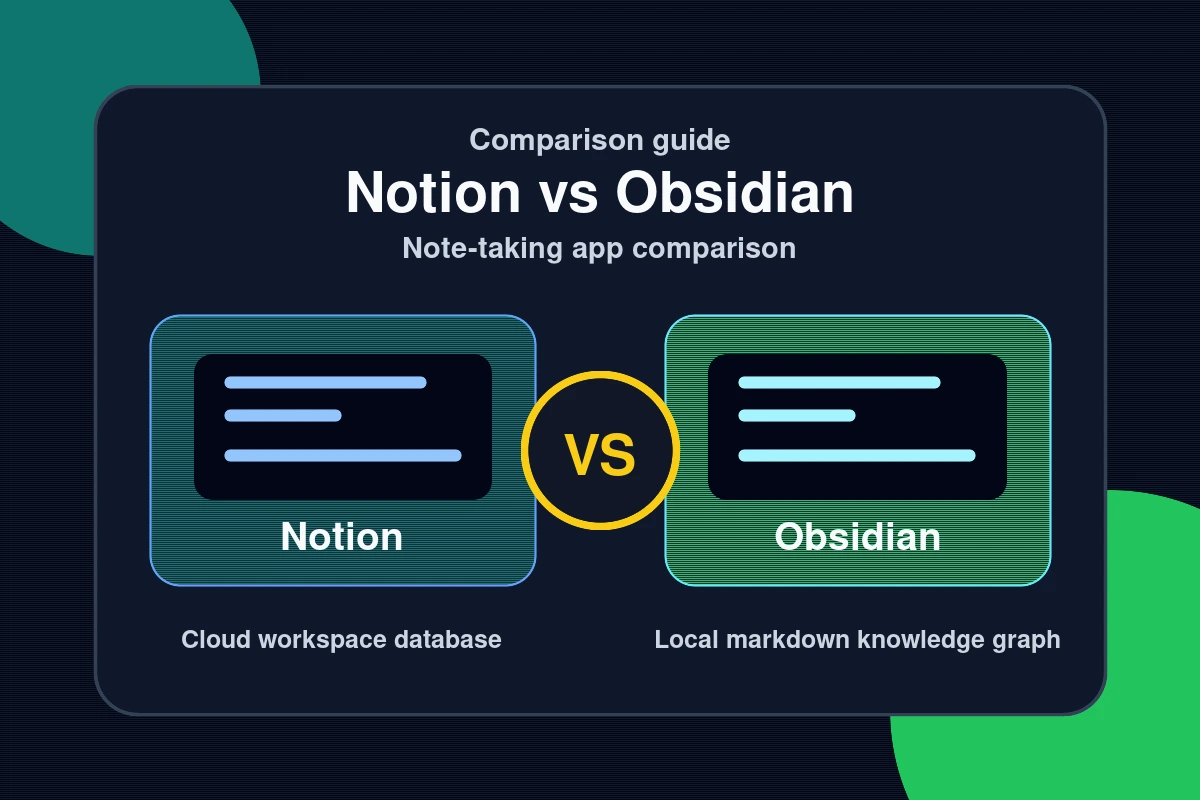
Notion is a collaborative workspace built around databases, structured content blocks, and team-friendly organization. It’s designed for projects, wikis, and shared knowledge bases where structure and hierarchy make information accessible to multiple people with different mental models.
Obsidian is a local-first, Markdown-based knowledge graph that treats every note as a node in a network. It’s built on the philosophy of bidirectional linking — the idea that the connections between ideas are as important as the ideas themselves. Obsidian stores everything in plain text files on your local machine, which means no vendor lock-in and complete data portability.
The Zettelkasten Advantage in Obsidian
Obsidian was built with the Zettelkasten method in mind — a note-taking system developed by sociologist Niklas Luhmann that emphasizes atomic notes, deliberate linking, and emergent insight. Users who implement a Zettelkasten-style workflow in Obsidian report that the graph view, backlinks, and tag system genuinely surface unexpected connections between ideas over time. This is the core of what it means for a tool to “help you think” rather than just help you store.
Why the Right Note-Taking Tool Transforms Knowledge Work

The productivity gap between a well-chosen note-taking tool and a poorly chosen one compounds over time. Here’s why this decision deserves serious consideration:
- Retrieval speed: Notion’s database structure makes it excellent for retrieving structured project information. Obsidian’s full-text search and backlinks make it superior for retrieving contextual, idea-connected knowledge.
- Capture friction: Obsidian’s quick capture (via mobile app or Daily Notes) is fast and frictionless. Notion’s rich structure sometimes creates decision paralysis about where and how to file a note.
- Collaboration: Notion is built for teams. Real-time collaboration, shared databases, and permission management are first-class features. Obsidian is fundamentally a solo tool — collaboration requires workarounds like Git-based sync or Obsidian Publish.
- Longevity and portability: Obsidian’s plain-text Markdown files will be readable in any text editor for decades. Notion’s proprietary format creates dependency on the platform’s continued existence and pricing.
- Customization depth: Obsidian’s plugin ecosystem (1,000+ community plugins) enables radical customization. Notion is more constrained but more immediately usable out of the box.
For more on building systems that support deep, sustained knowledge work, see our practical how-to guides on digital workflow design.
How to Choose Between Notion and Obsidian
The answer depends on your dominant knowledge work style. Use this decision framework:
- Identify your primary use case. Managing projects, tasks, and team wikis points toward Notion. Building a personal knowledge base, writing research, or working through complex ideas over time points toward Obsidian.
- Assess your collaboration needs. If you regularly share notes with colleagues, clients, or a team, Notion’s collaboration infrastructure is a significant practical advantage. Obsidian’s collaboration story is weak by comparison.
- Consider your relationship with structure. If you think in databases and hierarchies, Notion’s block system will feel natural. If you think in associations and connections, Obsidian’s graph model will resonate more deeply.
- Evaluate data sovereignty concerns. If you’re handling sensitive information — research, personal health data, confidential client work — Obsidian’s local-first model keeps your data entirely on your own devices. Notion’s cloud storage model requires trusting their security posture.
- Start with a pilot workflow. Spend two weeks with each tool using real work. The tool that produces less friction and more insight in those two weeks is almost certainly the right long-term choice.
- Consider using both. Many experienced knowledge workers use Notion for team-facing project management and Obsidian for personal research, reading notes, and long-form thinking. The tools are not mutually exclusive.
The PARA Method by Tiago Forte — Projects, Areas, Resources, Archives — works well in both tools and is worth understanding as a structural foundation before committing to either platform.
Common Questions — Notion vs Obsidian
Is Obsidian better than Notion for personal knowledge management?
For pure personal knowledge management — building a “second brain,” connecting ideas across domains, and supporting long-form writing and research — Obsidian’s graph-based, link-first approach is generally superior. Notion is more powerful for project-based work where structured databases and collaborative access matter. The best choice depends on whether you’re optimizing for structured output or connected thinking.
Is Notion or Obsidian better for students?
Students benefit from different aspects of each tool. Obsidian’s Zettelkasten-friendly design helps with connecting concepts across courses and building lasting knowledge. Notion’s database features are excellent for tracking assignments, deadlines, and project milestones. Many students use both: Obsidian for lecture notes and conceptual linking, Notion for assignment tracking and study planning.
Can Obsidian replace Notion for team use?
For most teams, no. Obsidian lacks native real-time collaboration, granular permission controls, and the structured database views that make Notion effective for team knowledge bases and project tracking. Obsidian Publish allows sharing notes publicly, and Git-based sync enables basic collaboration, but these are significantly more complex than Notion’s turnkey team features.
Is Obsidian free?
Obsidian is free for personal use with no feature limitations. The paid tiers — Obsidian Sync ($4/month) and Obsidian Publish ($8/month) — are optional add-ons for cloud sync and public note publishing respectively. The core application, all community plugins, and local vault features are entirely free. Notion’s free tier is feature-limited; meaningful team and database functionality requires a paid plan.
Conclusion: Which Tool Actually Helps You Think
The Notion vs Obsidian debate ultimately comes down to what kind of thinking you want to support. Here are the three essential conclusions:
- Obsidian is for thinking: Its graph model, backlinks, and plain-text foundation make it the superior tool for building a personal knowledge base that surfaces connections and compounds over time.
- Notion is for doing: Its database-driven structure, collaboration features, and versatile block system make it the better tool for managing projects, teams, and structured information workflows.
- The best system is one you’ll actually use: A perfectly architected Notion database you avoid is worse than a messy Obsidian vault you revisit daily. Friction determines adoption; adoption determines value.
If you use AI tools alongside your notes app, our guide to using Claude AI for writing shows how to integrate AI into your content workflow. For AI-powered research tools that complement any note-taking system, see our Perplexity AI vs ChatGPT comparison. Explore more tool comparisons and workflow guides in our reviews section — covering the tools that actually make a difference for how you work and think.
Your notes are only as valuable as your ability to find and connect them. Choose the tool that removes friction from that process, and your knowledge will compound rather than collect dust.
See also: Software Reviews: In-Depth Analysis of the Best Tools in 2026 — browse all Reviews articles on Hubkub.
Related Articles
- YouTube Analytics: Understanding Metrics That Actually Matter
- Software Reviews: In-Depth Analysis of the Best Tools in 2026
- Blocksy Review 2026: Is It a Good WordPress Theme for Content Sites?
Last Updated: April 13, 2026
How to choose between these options
Use this decision checklist if you are comparing tools for real work rather than only reading feature lists.
- Primary task: choose the tool that solves your most frequent task with the least friction.
- Setup complexity: consider whether you need local installation, accounts, drivers, network access, or mobile permissions.
- Reliability: test the tool with your actual device, network, file type, or workflow before committing.
- Privacy and safety: review what data is transmitted, stored, mirrored, or synced.
- Fallback: keep an alternative ready if the tool depends on a network, cloud account, or platform-specific feature.
Related Hubkub resources: Content Quality Standards, Software Reviews, and Safe Software Downloads.
FAQ
How should I use this guide?
Use it as a practical starting point, then verify details against your own device, account, software version, or official documentation.
What if the information becomes outdated?
Technology changes quickly. If you notice outdated steps or broken links, use Hubkub’s contact or corrections policy pages so the article can be reviewed.