Table of Contents
Cursor reached $2 billion in annualized revenue in February 2026, doubling from $1 billion in just three months. That growth reflects a real shift: developers are treating AI coding tools as essential infrastructure, not optional add-ons. But does Cursor’s momentum justify its $20/month price when GitHub Copilot delivers competitive results at half the cost?

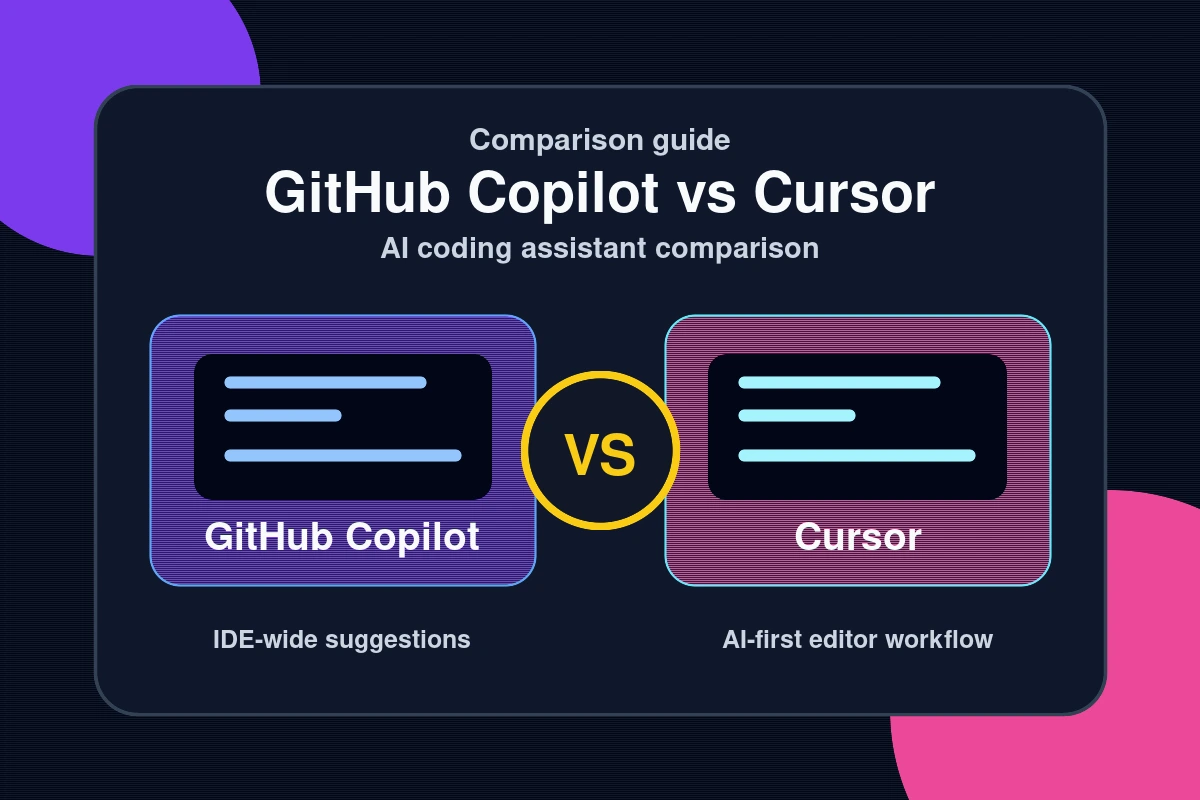
The debate over GitHub Copilot vs Cursor is one of the most common questions in developer communities this year. Both tools use frontier language models to autocomplete, refactor, and generate code. Yet they take fundamentally different approaches — one plugs into your existing IDE, and the other rebuilds the editor from scratch around AI.
In this review, we compare pricing, key features, real benchmark scores, and the specific scenarios where each tool earns its keep. By the end, you will know exactly which AI coding assistant fits your workflow in 2026.
Pricing and Plans: What Does Each Tool Cost?
GitHub Copilot offers a free tier and three paid plans. The Copilot Free plan gives you 2,000 code completions and 50 chat requests per month — enough to evaluate the tool seriously before committing. Copilot Pro costs $10/month with unlimited completions and access to multiple AI models. Copilot Pro+ runs $39/month and adds priority access to the latest frontier models, including advanced reasoning capabilities.
Cursor’s pricing structure differs. The Cursor Hobby plan is free but caps premium model usage. Cursor Pro at $20/month provides unlimited Tab autocomplete, $20 in monthly AI usage credits, and full Agent mode access. The Cursor Business plan costs $40/user/month and adds SSO, centralized team settings, and audit logs for enterprise environments.
| Tool | Free Tier | Pro Plan | Business Plan |
|---|---|---|---|
| GitHub Copilot | 2,000 completions / 50 chats/mo | $10/month | $39/month (Pro+) |
| Cursor | Limited model usage | $20/month | $40/user/month |
At $10/month, Copilot offers the most accessible entry into professional AI-assisted coding. Cursor costs twice as much but bundles multi-model flexibility and advanced agent capabilities that Copilot charges extra for at higher tiers. For individual developers on a budget, Copilot’s free tier is genuinely useful — not a crippled trial.
Core Features: Autocomplete, Agent Mode, and Benchmarks

Autocomplete and IDE Integration
GitHub Copilot integrates directly into your existing tools. It works natively in VS Code, JetBrains IDEs, Visual Studio, Neovim, and Xcode. If you already have a preferred editor, Copilot slots in without disruption. Its inline suggestions, ghost text completions, and multi-line predictions cover the vast majority of day-to-day coding tasks.
Cursor takes the opposite approach. It is a custom VS Code fork rebuilt around AI from the ground up. Switching to Cursor means leaving your current IDE — a real friction point for developers with heavily customized setups. In return, you get tighter AI integration, including Cmd+K inline edits and a chat sidebar with full codebase context loaded by default.
Agent Mode and Multi-File Editing
Both tools now offer agent mode, but the implementations differ. GitHub Copilot’s agent mode became generally available on VS Code and JetBrains in March 2026. In agent mode, Copilot identifies affected files, proposes changes across the codebase, suggests terminal commands, and iterates automatically to fix its own errors before returning results.
Cursor’s Composer 2 has offered agentic capabilities longer, and its implementation is more mature. It supports up to eight background agents running in parallel — something Copilot cannot currently match. This means you can run multiple independent refactoring tasks simultaneously while you focus on other work.
On the SWE-bench software engineering benchmark, Copilot resolves 56.0% of real-world GitHub issues end-to-end versus Cursor’s 51.7%. However, Cursor completes each task in an average of 62.9 seconds compared to Copilot’s 89.9 seconds — a 30% speed advantage that adds up quickly across a full workday. Which metric matters more depends on your priorities: raw accuracy or throughput.
Who Should Choose GitHub Copilot — and Who Should Choose Cursor?
For most developers, GitHub Copilot at $10/month covers everything that matters. If your workflow centers on writing new code, fixing bugs inline, reviewing pull requests, and committing to GitHub, Copilot handles all of it without forcing you to change your editor or habits. The free tier alone provides enough usage to assess the tool for real projects.
Copilot is the better choice if you:
- Use VS Code, JetBrains, Neovim, or another supported IDE you want to keep
- Need GitHub-native features like inline PR review, issue summarization, and Copilot Workspace
- Want the lowest-cost entry point for professional AI coding assistance
- Focus primarily on single-file tasks, autocomplete, and targeted inline edits
Cursor is the stronger choice for developers who regularly refactor across dozens of files, navigate unfamiliar codebases, or build features spanning the full stack. Its Composer agent and parallel background tasks compress work that would take hours into minutes. It also offers model flexibility — you can switch between Claude, GPT, and Gemini models per individual task, which matters when one model is stronger for a specific language or framework.
Cursor is the better choice if you:
- Build or maintain large, multi-module codebases with complex dependencies
- Need to switch between Claude, GPT, and Gemini models depending on the task
- Frequently run cross-file refactors or architecture-level rewrites
- Value task throughput and parallel execution over tight IDE integration
According to GitHub’s official Copilot documentation, agent mode can now autonomously complete entire features end-to-end — closing the gap with Cursor’s more established agentic workflow. For the latest software and tool reviews as this space evolves, check Hubkub’s reviews section regularly.
Common Questions — GitHub Copilot vs Cursor
Q: Is GitHub Copilot free in 2026?
A: Yes. GitHub Copilot now offers a free tier with 2,000 code completions and 50 chat requests per month, with no credit card required. The paid Pro plan at $10/month removes those limits and includes access to more AI models including advanced reasoning variants.
Q: Which AI coding tool is better for large codebases?
A: Cursor is generally stronger for large codebases. Its Composer 2 agent mode offers full codebase awareness by default and supports up to eight parallel background agents. GitHub Copilot’s agent mode is improving rapidly but currently works best on smaller, more focused tasks.
Q: Can I use my VS Code extensions in Cursor?
A: Cursor is built on a VS Code fork and supports most extensions via the Open VSX registry. Many developers report their existing setups transfer with minimal friction. However, extensions that depend on proprietary Microsoft Marketplace features may not work out of the box.
Q: Which AI coding assistant scores higher on benchmarks?
A: On SWE-bench, GitHub Copilot scores 56.0% for resolving real GitHub issues end-to-end versus Cursor’s 51.7%. That said, Cursor completes tasks about 30% faster on average. The better tool depends on whether you prioritize accuracy or speed in your daily workflow.
Conclusion: Which AI Coding Tool Wins in 2026?
Three key takeaways from this head-to-head comparison:
- GitHub Copilot at $10/month is the best-value AI coding assistant for most developers. Its free tier, broad IDE support, and March 2026 agent mode launch make it the safe default recommendation.
- Cursor at $20/month earns its premium for developers who need multi-file agent workflows, parallel background tasks, and per-task model flexibility. Its $2 billion ARR signals strong and sustained developer adoption.
- The gap is narrowing. Copilot’s agent mode is now generally available and improving monthly. Expect both tools to reach feature parity on core agentic capabilities by late 2026.
Start with Copilot’s free tier. If cross-file refactoring and parallel agents become bottlenecks in your workflow, Cursor Pro is worth the upgrade. For more hands-on guidance, explore our Dev & IT Ops section covering developer tooling, CI/CD, and AI-powered pipelines.
Last Updated: April 13, 2026
How to choose between these options
Use this decision checklist if you are comparing tools for real work rather than only reading feature lists.
- Primary task: choose the tool that solves your most frequent task with the least friction.
- Setup complexity: consider whether you need local installation, accounts, drivers, network access, or mobile permissions.
- Reliability: test the tool with your actual device, network, file type, or workflow before committing.
- Privacy and safety: review what data is transmitted, stored, mirrored, or synced.
- Fallback: keep an alternative ready if the tool depends on a network, cloud account, or platform-specific feature.
Related Hubkub resources: Content Quality Standards, Software Reviews, and Safe Software Downloads.
FAQ
How should I use this guide?
Use it as a practical starting point, then verify details against your own device, account, software version, or official documentation.
What if the information becomes outdated?
Technology changes quickly. If you notice outdated steps or broken links, use Hubkub’s contact or corrections policy pages so the article can be reviewed.