Table of Contents
- Understanding Cursor and GitHub Copilot at Their Core
- Why Your Choice of AI Code Assistant Determines Shipping Velocity
- How to Choose the Right AI Code Assistant for Your Workflow
- Common Questions — Cursor vs GitHub Copilot
- Conclusion: Choose the Tool That Fits How You Actually Build
- How to choose between these options
- FAQ
AI code assistants have moved from experimental curiosity to daily driver for millions of developers — but not all tools deliver equally in real-world workflows. Cursor and GitHub Copilot are the two leading AI coding tools in 2026, and the gap between choosing the right one and the wrong one can mean the difference between shipping faster and constantly fighting your own tooling. Developer productivity surveys consistently show that AI code assistants save between 30-55% of time on routine coding tasks — but only when the tool fits the developer’s workflow. This comparison goes beyond feature lists to answer the question that actually matters: which AI code assistant helps you ship faster in practice?

Key takeaways
- This article summarizes the practical impact of Cursor vs GitHub Copilot: Which AI Code Assistant Actually Helps You Ship Faster for readers tracking AI and technology changes.
- Focus on confirmed details first, then treat predictions or market impact as analysis rather than settled fact.
- Use the related Hubkub guides below when you need setup steps, comparisons, or a deeper explainer.
Understanding Cursor and GitHub Copilot at Their Core
GitHub Copilot is an AI coding assistant integrated primarily as an extension into VS Code, JetBrains IDEs, Neovim, and other editors. It’s built on OpenAI’s models (currently GPT-4o for Copilot Chat) and has been refined with GitHub’s massive corpus of public code. Copilot operates within your existing editor, augmenting it with autocomplete, inline suggestions, and a chat interface.
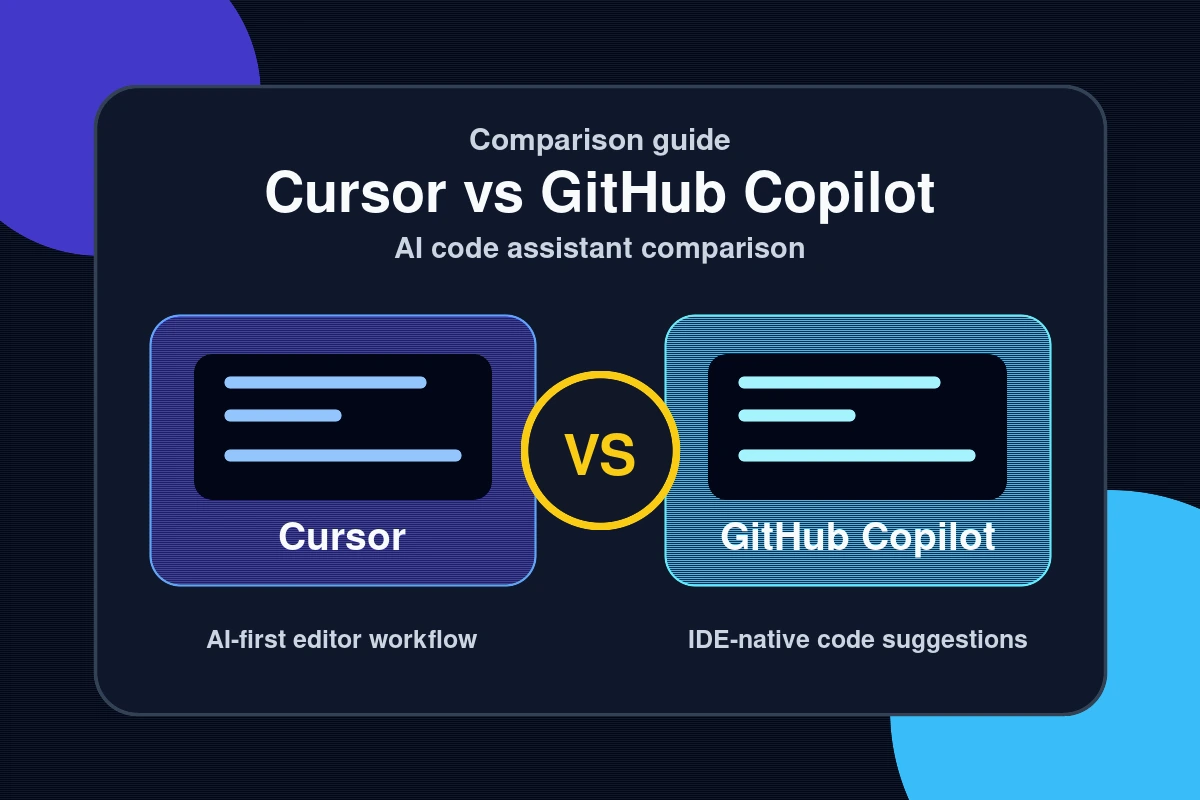
Cursor is a full fork of VS Code rebuilt from the ground up as an AI-native IDE. It uses multiple models — Claude 3.5 Sonnet, GPT-4o, and others — and its differentiating features are its deep codebase context (the ability to understand your entire project, not just the open file), its Composer multi-file editing capability, and its natural language terminal and diff review. Cursor isn’t an add-on to an editor — it is the editor, rebuilt for AI-first development.
The Codebase Awareness Gap
The most significant technical difference between the two tools is how they understand your project. GitHub Copilot works primarily at the file and recently-open-files level. Cursor’s indexing system builds a semantic understanding of your entire codebase — every file, every function signature, every dependency relationship. When you ask Cursor to “add error handling to the API client that matches how we handle errors in the auth module,” it can actually do this coherently. Copilot would require you to manually provide that context or accept a generic response.
Why Your Choice of AI Code Assistant Determines Shipping Velocity

The difference in shipping speed between a well-matched AI code assistant and a poorly matched one isn’t marginal — it compounds across every task in every session. Here’s why this decision has significant practical consequences:
- Context quality determines output quality: AI code suggestions are only as good as the context the model receives. A tool that understands your project architecture will generate code that fits your patterns. A tool that only sees the current file will generate generic code that requires significant rework to fit your actual codebase.
- Workflow friction multiplies over time: Every time you have to correct a suggestion, re-provide context, or fix a multi-file inconsistency, you’re paying a friction tax. Over hundreds of daily interactions, the right tool versus the wrong one represents hours of recovered time per week.
- Multi-file editing changes what’s possible: Cursor’s Composer can make coordinated changes across multiple files simultaneously — refactoring a component and updating all its callers, or implementing a feature end-to-end from database schema to API route to frontend component. This capability changes the nature of what single-developer output looks like.
- IDE familiarity matters for adoption: GitHub Copilot works inside your existing VS Code setup with minimal disruption. Cursor requires switching IDEs, even if it’s a VS Code fork. For teams with established editor configurations, plugins, and muscle memory, the transition cost of Cursor is real.
- Model selection flexibility: Cursor lets you choose which underlying model to use (Claude, GPT-4o, etc.) based on task type. For code generation tasks where Claude 3.5 Sonnet outperforms GPT-4o on your specific stack, this flexibility has real value. Copilot is bound to OpenAI’s model lineup.
For more on AI tools that genuinely accelerate professional workflows, see our AI tools and productivity section.
How to Choose the Right AI Code Assistant for Your Workflow
The right choice depends on your codebase size, team structure, and primary development workflow. Here’s a practical decision framework:
- Assess your codebase complexity. For small, self-contained projects under 10,000 lines, GitHub Copilot’s file-level context is often sufficient. For large, interdependent codebases with complex architectural patterns, Cursor’s project-wide indexing delivers meaningfully better suggestions.
- Evaluate your multi-file editing needs. If your typical features involve coordinated changes across 5-10+ files — as most non-trivial backend or full-stack work does — Cursor’s Composer is genuinely transformative. If your work is more modular with isolated file changes, Copilot’s inline suggestions may be sufficient.
- Consider team standardization requirements. GitHub Copilot integrates into the editors your team already uses. For teams with standardized IDE configurations, Copilot adds AI capability without disrupting established tooling. If you’re a solo developer or small team comfortable with tooling change, Cursor’s full-IDE approach delivers more capability.
- Test both on representative tasks. Spend a week with each tool on real work — not toy examples. Track how often suggestions need to be modified, how often context needs to be manually re-provided, and how the tool handles your most common workflow patterns. The data from real use beats any benchmark.
- Evaluate cost against productivity gains. GitHub Copilot Individual costs $10/month. Cursor Pro costs $20/month. The additional $10/month for Cursor is easily justified if you’re doing complex multi-file development — the time savings per week will far exceed the cost difference. For simpler workflows, Copilot offers strong value at a lower price point.
- Consider model access as a long-term factor. Cursor’s model flexibility means you’re not locked to a single AI provider’s roadmap. As newer, more capable models emerge, Cursor can integrate them. GitHub Copilot’s model improvements are entirely dependent on OpenAI’s product decisions.
According to GitHub’s own research on Copilot productivity, developers using Copilot complete coding tasks 55% faster than without AI assistance — a benchmark that holds up across multiple independent studies when applied to well-matched workflows.
Common Questions — Cursor vs GitHub Copilot
Is Cursor better than GitHub Copilot for large codebases?
Yes, for most developers working on large, complex codebases, Cursor’s project-wide indexing and codebase awareness produces substantially better suggestions than GitHub Copilot’s file-level context model. The quality gap is most pronounced when implementing features that span multiple modules, refactoring code across a large surface area, or generating code that must conform to established architectural patterns spread across the project.
Can I use Cursor with my existing VS Code extensions?
Yes. Since Cursor is a fork of VS Code, it supports the VS Code extension marketplace and is compatible with the vast majority of VS Code extensions. Your existing keybindings, themes, and most extensions will work without modification. The transition from VS Code to Cursor is typically smoother than switching to an entirely different editor — most developers report being productive in Cursor within a few hours of switching.
Does GitHub Copilot work without an internet connection?
No. Both GitHub Copilot and Cursor require an internet connection to generate AI suggestions, as the AI processing happens on their respective cloud infrastructure rather than locally. For environments with strict network isolation requirements — air-gapped systems, classified government networks, or highly regulated environments — neither tool is directly deployable without custom on-premises AI infrastructure.
Which is better for beginners — Cursor or GitHub Copilot?
For developers new to AI coding assistants, GitHub Copilot has a gentler onboarding experience. It layers onto your existing VS Code setup without requiring any workflow change, and its inline autocomplete suggestions are immediately intuitive. Cursor’s full feature set — Composer, codebase indexing, model selection — has more initial complexity. However, many developers find that Cursor’s more powerful context awareness actually reduces the frustration of getting incorrect suggestions, making it worth the slightly steeper initial learning curve.
Conclusion: Choose the Tool That Fits How You Actually Build
The Cursor vs GitHub Copilot decision is less about which tool is objectively superior and more about which tool matches your workflow’s demands. Here are the three essential conclusions:
- Cursor wins on complex, multi-file development: Project-wide codebase awareness, Composer multi-file editing, and flexible model selection make Cursor the stronger tool for developers working on non-trivial codebases where cross-file coherence matters.
- Copilot wins on simplicity and integration: Native editor integration, lower price point, and zero workflow disruption make GitHub Copilot the right choice for teams with established tooling, developers on simpler projects, or anyone who wants AI assistance without IDE switching costs.
- The productivity gain requires real adoption: Either tool produces negligible value if used superficially. The full productivity benefit — the 40-55% task completion acceleration — comes from deeply integrating AI suggestions into your development workflow, learning to provide effective context, and trusting the tool on routine tasks to free your attention for harder problems.
Explore our reviews section for hands-on analysis of more developer tools and AI assistants — finding the technology stack that actually accelerates your shipping velocity rather than adding to your tool fatigue.
The best AI code assistant is the one that makes you faster on the work you actually do. Test both, measure the results, and commit to the tool that earns its place in your workflow.
See also: AI Tools and Guides: Everything You Need to Know in 2026 — browse all AI articles on Hubkub.
Related Articles
- Windsurf AI: The Open Source Alternative Worth Trying
- Google Gemini Ultra: What It Means for Everyday AI Users
- Open Source AI Models: Why They Matter and Which Ones to Watch
Last Updated: April 13, 2026
How to choose between these options
Use this decision checklist if you are comparing tools for real work rather than only reading feature lists.
- Primary task: choose the tool that solves your most frequent task with the least friction.
- Setup complexity: consider whether you need local installation, accounts, drivers, network access, or mobile permissions.
- Reliability: test the tool with your actual device, network, file type, or workflow before committing.
- Privacy and safety: review what data is transmitted, stored, mirrored, or synced.
- Fallback: keep an alternative ready if the tool depends on a network, cloud account, or platform-specific feature.
Related Hubkub resources: Content Quality Standards, Software Reviews, and Safe Software Downloads.
FAQ
How should I use this guide?
Use it as a practical starting point, then verify details against your own device, account, software version, or official documentation.
What if the information becomes outdated?
Technology changes quickly. If you notice outdated steps or broken links, use Hubkub’s contact or corrections policy pages so the article can be reviewed.