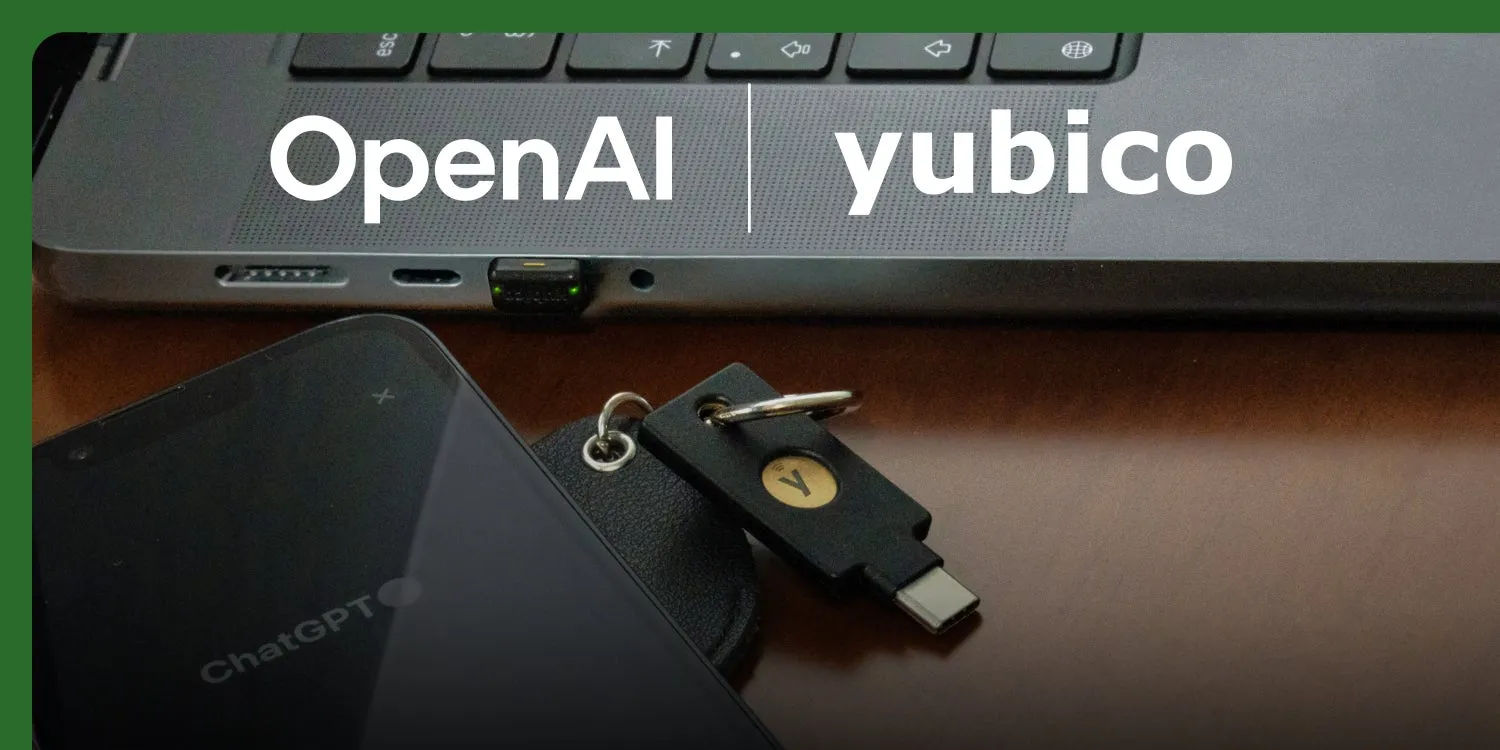
Key Takeaways
- OpenAI has introduced Advanced Account Security, an opt-in protection layer for ChatGPT accounts with phishing-resistant login and stronger recovery controls.
- Yubico says the partnership adds hardware-backed YubiKey options for ChatGPT users, including YubiKey C NFC and YubiKey C Nano OpenAI editions.
- The best fit is not only public figures. Developers, founders, journalists, and teams storing sensitive work in ChatGPT should review their login, recovery, and passkey setup now.
OpenAI Advanced Account Security is the clearest sign yet that ChatGPT accounts are becoming high-value targets. OpenAI describes the new program as a way to add phishing-resistant login, stronger recovery, and enhanced protections for sensitive account data. Yubico also announced a partnership with OpenAI to bring hardware-backed authentication to ChatGPT users through co-branded YubiKey options.
The practical angle is simple: if a ChatGPT account contains client notes, source code, research, financial planning, private prompts, or internal company knowledge, it should be treated like a work account, not a casual chatbot login. A password plus ordinary SMS-based 2FA is no longer the strongest default for people who may be targeted by phishing or account takeover attempts.
What did OpenAI announce?
OpenAI’s RSS announcement says Advanced Account Security focuses on three areas: phishing-resistant login, stronger recovery, and enhanced protections to safeguard sensitive data and prevent account takeover. TechCrunch reports that the feature set is opt-in, designed for high-value individuals, and available to anyone who wants extra protection.
Yubico’s own blog gives the hardware angle. It says OpenAI and Yubico are working together to bring phishing-resistant, hardware-backed authentication to ChatGPT users. The company names a custom two-pack set for the program: YubiKey C NFC – OpenAI and YubiKey C Nano – OpenAI.
| Security layer | What it helps prevent | Who should care first |
|---|---|---|
| Hardware security key | Credential phishing and fake-login attacks | Founders, journalists, developers, executives |
| Stronger recovery | Account takeover through weak fallback paths | Anyone storing sensitive chats or files |
| Account review | Old sessions, weak devices, reused credentials | Teams using ChatGPT for daily work |
Who should enable it first?
OpenAI’s examples include political dissidents, journalists, researchers, and elected officials. Hubkub would add four more practical groups: developers pasting code into AI tools, startup operators discussing product plans, creators who use ChatGPT for account or business workflows, and small teams without a formal identity-security stack.
The reason is not that every user faces nation-state attackers. It is that AI accounts increasingly hold reusable context. A compromised account may reveal draft documents, private customer notes, API troubleshooting, strategy discussions, or files that were uploaded for analysis. If ChatGPT is part of your work system, account security should match that importance.
What should you check before buying a YubiKey?
A hardware key is strongest when the rest of the account is clean. Before adding a new key, review your current login and recovery surface. Start with the basics: use a unique password, remove unknown sessions, check recovery email and phone settings, and confirm that your password manager is not reusing credentials across AI tools.
- Turn on the strongest available multi-factor option for the account.
- Keep at least two hardware keys if you depend on the account for work.
- Store the backup key separately so loss or theft does not lock you out.
- Review active sessions after adding stronger login protection.
- Document recovery ownership for shared company accounts.
If you are still using SMS as your only second factor, read Hubkub’s guide on why SMS-based two-factor authentication is not enough. If password reuse is the bigger issue, start with Hubkub’s password manager guide before adding hardware keys.
How does this fit AI security workflows?
This announcement fits a larger pattern: AI tools are moving from experiments into daily workflows, and security has to follow. Hubkub recently covered OpenAI privacy filters and PII checks for developer teams. Account login is the other side of that same problem. It is not enough to reduce sensitive data in prompts if an attacker can still access the account itself.
For teams, the best approach is a short checklist rather than a one-time purchase. Decide who owns shared AI accounts, which accounts need hardware keys, how recovery is handled, and what data should never be stored in long-running chat history. Pair this with internal training on fake login pages and suspicious OAuth prompts.
FAQ
Q: Is OpenAI Advanced Account Security only for famous people?
A: No. OpenAI positions it for high-risk users, but TechCrunch reports that it is available to anyone who wants stronger protection. It is especially relevant if your ChatGPT account contains work documents, code, customer notes, or private research.
Q: Does a YubiKey replace a password manager?
A: No. A hardware security key and a password manager solve different problems. Use a password manager for unique passwords, then add a hardware key to make phishing-based login attacks much harder.
Q: Should teams buy one or two security keys per person?
A: For important accounts, two keys are safer: one daily-use key and one backup stored separately. This reduces lockout risk if the main key is lost, damaged, or left in another location.
Q: What is the first action to take today?
A: Review your ChatGPT login methods, recovery email, active sessions, and password uniqueness. Then decide whether a hardware security key is necessary for the sensitivity of the data stored in that account.
Sources: OpenAI Advanced Account Security announcement, Yubico’s OpenAI partnership note, and TechCrunch’s report on the launch.
Security editorial note
This checklist is written for practical risk reduction. Hubkub aims to separate confirmed facts from recommended defensive actions, link readers to related guidance where useful, and update security content when important details change. Always verify urgent incidents against your vendor, administrator dashboard, or official security advisory before making production changes.
Learn more about our standards in Editorial Policy, Content Quality Standards, and Corrections Policy.
Related Hubkub resources
Practical security action checklist
Use this section as a practical follow-up checklist. Security articles can become outdated quickly, so verify urgent details against your vendor dashboard, official advisory, or administrator logs before making production changes.
- Confirm scope: identify which accounts, devices, repositories, integrations, or services may be affected.
- Rotate sensitive access: review tokens, passwords, API keys, SSH keys, OAuth apps, and browser sessions when the risk involves account or infrastructure access.
- Check logs: look for unusual sign-ins, permission changes, deployment events, package changes, or data exports.
- Patch and document: apply vendor guidance, record what changed, and schedule a follow-up review.
Related Hubkub resources: Security Checklists, Content Quality Standards, and Corrections Policy.