Key takeaways
- This article summarizes the practical impact of Best AI Coding Assistants 2026: Copilot vs Cursor vs Codeium for readers tracking AI and technology changes.
- Focus on confirmed details first, then treat predictions or market impact as analysis rather than settled fact.
- Use the related Hubkub guides below when you need setup steps, comparisons, or a deeper explainer.
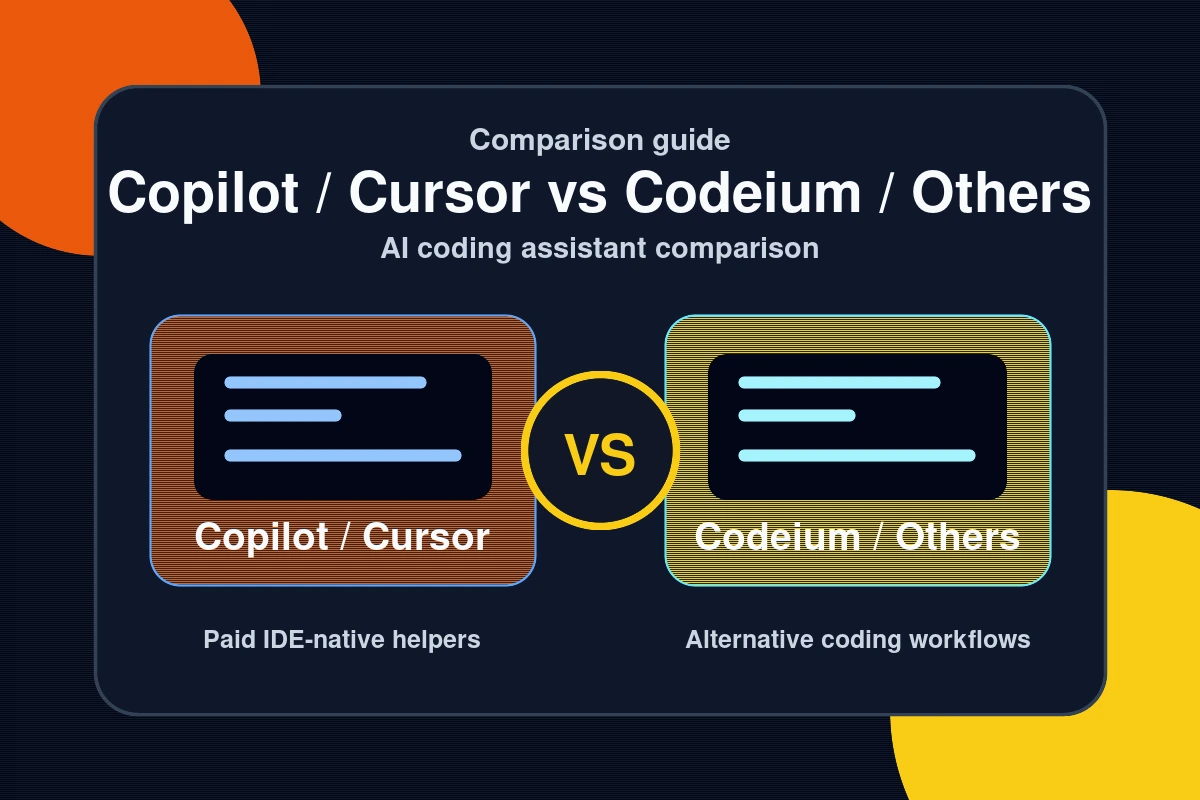
The best AI coding assistants in 2026 fall into two categories: IDE extensions that add AI to your existing editor, and dedicated AI-native IDEs that rebuild the coding experience around AI from the ground up. GitHub Copilot and Codeium lead the extension category; Cursor and Windsurf dominate the AI-native IDE space. Each has a meaningfully different strength—the right choice depends on your workflow, IDE, and whether you want a free tool or the best possible agentic experience.
Feature Matrix: What Each Tool Offers
| Tool | Free Tier | Paid Price | Agent Mode | IDE Support | Best For |
|---|---|---|---|---|---|
| GitHub Copilot | 2,000 completions + 50 chats/mo | $10/mo | Yes (CLI, Feb 2026) | VS Code, JetBrains, Neovim, Visual Studio, CLI | Enterprise, wide IDE coverage |
| Codeium | Unlimited completions + chat | Free (Enterprise $19/user/mo) | Limited | 70+ IDEs | Free, JetBrains shops, self-hosting |
| Cursor | Hobby (limited) + 2-week Pro trial | $20/mo | Yes (Agents Window) | VS Code fork | Professional agentic workflows |
| Windsurf | Unlimited completions + 5 Cascade/day | $15/mo | Yes (Cascade) | VS Code fork | Value, strong free tier |
GitHub Copilot: The Market Standard

GitHub Copilot holds approximately 42% of the AI coding assistant market with 4.7 million paid subscribers and adoption by 90% of Fortune 100 companies. The February 2026 GA launch of Copilot CLI added terminal-native agent modes (Explore and Task) that plan and execute multi-step development tasks from the command line. Model selection now includes GPT-4.1, Claude Sonnet 4.6, and Gemini 3 Pro on paid plans.
The free tier gives 2,000 completions and 50 chats per month—the most useful free offering for developers already in the VS Code or JetBrains ecosystem. The biggest limitation is the 64K token context window, which restricts codebase-wide reasoning compared to Cursor’s 200K or Claude Code’s 1M. For enterprise teams that need one AI tool across heterogeneous IDE environments (VS Code + JetBrains + Neovim + Visual Studio), Copilot’s breadth is unmatched.
Codeium: The Best Truly Free Option
Codeium is the most important free AI coding assistant in 2026—unlimited code completions, AI chat, and multi-file context at no cost with no monthly cap. This is the key differentiator: while Copilot limits free users to 2,000 completions, Codeium has no limit on the free individual plan.
Codeium and Windsurf are products from the same company—Codeium (the company) rebranded its standalone AI IDE as Windsurf in late 2024, while keeping Codeium as the name for its lightweight extension. If you want the full IDE experience, use Windsurf. If you want AI completions inside your current editor, Codeium is the extension.
IDE support is Codeium’s other major strength: 70+ IDEs including VS Code, all JetBrains products, Neovim, Emacs, Vim, Sublime Text, Eclipse, and more. For teams using JetBrains IDEs (IntelliJ, PyCharm, GoLand, WebStorm), Codeium is often a better choice than Copilot at the free tier. Benchmark accuracy: approximately 72–75% on HumanEval vs Copilot’s 78–80%—competitive but slightly behind on complex multi-file refactoring tasks.
Codeium Enterprise at $19/user/month adds self-hosting, SSO, audit logs, and fine-tuning on private codebases—the strongest enterprise self-hosting story of any tool in this comparison.
Cursor and Windsurf: AI-Native IDEs
Cursor and Windsurf are not extensions—they are standalone IDEs built on VS Code forks, with AI embedded at every layer. Cursor 3 (released April 2, 2026) introduced the Agents Window for running multiple AI agents in parallel across local, remote, and cloud environments. Its 200K token context window handles roughly 50,000 lines of code at once. At $20/month, it targets professional developers who run complex, multi-file agentic workflows daily.
Windsurf at $15/month is $5 cheaper with a better free tier: unlimited Tab completions plus five full Cascade AI sessions per day. Its Flow awareness system automatically tracks IDE actions in real time, and Variable Thinking adjusts reasoning depth dynamically per task. For budget-conscious developers wanting strong agentic features, Windsurf is the best value in the category.
Which AI Coding Assistant Should You Choose?
- Solo developer, budget-conscious: Codeium (free) or Windsurf free tier
- Enterprise team, multiple IDEs: GitHub Copilot ($10/mo, broadest IDE coverage)
- JetBrains user: Codeium (70+ IDE support) or Copilot
- Power user, agentic workflows in VS Code: Cursor ($20/mo) or Windsurf ($15/mo)
- Open source contributor (public repo): GitHub Copilot (free for verified public repos)
- Enterprise self-hosting requirement: Codeium Enterprise ($19/user/mo)
For a hands-on walkthrough of the top-rated AI IDE, see our complete Cursor AI tutorial. For more AI tool coverage, visit our AI section.
Common Questions — Best AI Coding Assistants 2026
Q: Is Codeium still free in 2026?
A: Yes. Codeium remains free for individual developers with unlimited code completions, AI chat, and multi-file context. There is no monthly cap on the free plan. This makes it the strongest free AI coding assistant in 2026. The paid tier (Codeium Enterprise) adds self-hosting, SSO, audit logs, and private codebase fine-tuning at $19/user/month.
Q: Is GitHub Copilot worth $10/month over Codeium free?
A: For most developers, Copilot’s edge is the model quality and breadth—access to GPT-4.1 and Claude Sonnet 4.6 on paid plans gives slightly better accuracy (78–80% vs 72–75% on HumanEval). If you are already in the GitHub ecosystem and want the best completions, the $10/month is justified. If you primarily use JetBrains, Codeium’s 70+ IDE support makes it the stronger choice at zero cost.
Q: What is the difference between Codeium and Windsurf?
A: They are products from the same company. Codeium is the lightweight extension that adds AI to your existing IDE (70+ IDEs supported). Windsurf is the full standalone AI-native IDE—a VS Code fork with a built-in agentic system (Cascade), deeper context awareness, and a more complete AI-first workflow. Use Codeium if you want to keep your current IDE; use Windsurf if you want the AI IDE experience.
Q: Which AI coding assistant is best for Python developers?
A: GitHub Copilot and Codeium both have strong Python support. For Python in JetBrains PyCharm, Codeium is the top free choice. For VS Code users, Copilot’s integration with GitHub and its stronger multi-model selection gives it an edge on complex Python refactoring. For data science workflows needing notebook support, Cursor’s Agents Window handles multi-file, multi-notebook projects best.
Last Updated: April 13, 2026