Key Takeaways
- Google DeepMind released Gemma 4 on April 2, 2026 under the Apache 2.0 license, removing all commercial restrictions on the model family.
- The default Ollama tag —
gemma4:e4bat 9.6 GB — runs on any modern laptop with 8 GB of RAM. - Install Ollama, pull the model, and start chatting in under 5 minutes — no cloud account or API key required.
- Gemma 4 is natively multimodal: it processes text, images, and (on edge models) audio in a single prompt.
- The 31B variant scores 89.2% on AIME 2026, competing with proprietary models that cost far more to run.
Running AI models locally used to mean patchy performance and hours of configuration. Gemma 4, which Google DeepMind officially launched on April 2, 2026, changes that calculation — four sizes, one command, and the model runs on your own hardware. Privacy-conscious developers, researchers, and power users no longer need to send every prompt to a remote server.

Google DeepMind’s switch to an Apache 2.0 license means you can use Gemma 4 in commercial products, fine-tune it, and redistribute derivatives without signing a separate agreement. Paired with Ollama, which handles model downloads, quantization, and GPU acceleration automatically, setting up a local AI takes less time than brewing coffee.
This guide covers everything: what hardware you actually need, how to install Ollama, which model variant to pick, and how to call the local REST API from your own code. Whether you are on a MacBook, a Linux workstation, or a mid-range Windows laptop, there is a Gemma 4 size that fits.
What Is Gemma 4 and Why Run It Locally?
Gemma 4 is Google DeepMind’s fourth generation of open-weight models. The family spans four sizes — E2B, E4B, 26B, and 31B — and every variant supports multimodal input: feed it text, images, or (on the two edge models) audio in a single request.
The Apache 2.0 license is arguably the biggest update in this release. Previous Gemma models shipped under a custom license that blocked certain commercial uses. Apache 2.0 removes those restrictions. Startups can embed Gemma 4 in products, agencies can sell fine-tuned versions, and enterprises can deploy it behind a firewall without legal ambiguity.
Running locally delivers three concrete benefits over cloud APIs. First, your prompts never leave your machine — no telemetry or data-retention clauses. Second, once downloaded, inference costs zero dollars per token. Third, latency becomes predictable. API calls to US and European cloud endpoints can add 200–400 ms round-trip — local inference cuts that overhead to near zero, which matters for real-time applications built anywhere in the world.
What Hardware Do You Need to Run Gemma 4?

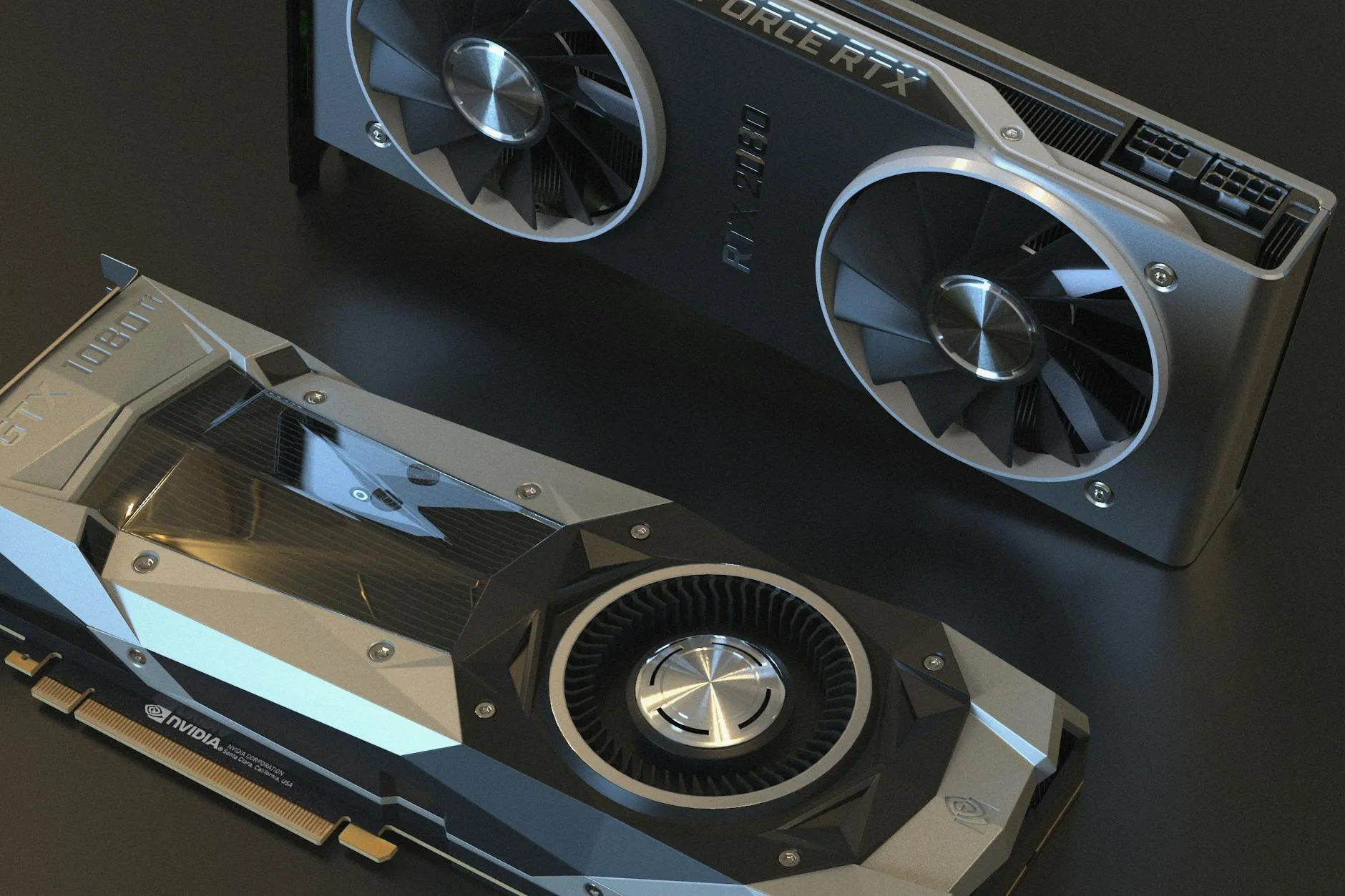
Hardware requirements vary significantly by model size. The most capable variant that runs comfortably on a typical developer laptop is gemma4:e4b, stored at 9.6 GB after 4-bit quantization — within reach of any 16 GB MacBook or a Windows machine with 8 GB of RAM.
The table below summarizes minimum RAM, storage, and estimated inference speed for each Gemma 4 variant using Ollama’s default 4-bit quantization.
| Model Tag | Parameters | Download Size | Min RAM / VRAM | Est. Tokens/sec |
|---|---|---|---|---|
gemma4:e2b | 2B | 7.2 GB | 8 GB RAM | 77+ t/s (RTX 50-series) |
gemma4:e4b (default) | 4B | 9.6 GB | 8 GB RAM | 40–60 t/s |
gemma4:26b | 26B MoE | 18 GB | 16 GB VRAM | ~11 t/s |
gemma4:31b | 31B dense | 20 GB | 24 GB VRAM | ~25 t/s |
Apple Silicon machines (M1 through M4) benefit from unified memory architecture. An M2 MacBook Pro with 16 GB of RAM can run gemma4:e4b entirely in-memory and deliver smooth real-time responses. For pure CPU inference, expect slower speeds but still usable output on a modern 8-core machine. A GPU is optional for the edge models but meaningfully accelerates the 26B and 31B variants.
How Do You Install Ollama on Your System?
Ollama is available for Linux, macOS, and Windows. Installation takes under two minutes on any platform.
Linux and macOS — run this one-liner in your terminal:
curl -fsSL https://ollama.com/install.sh | shOn macOS, a .dmg graphical installer is also available at ollama.com. Windows users can grab the .exe installer from the same page — it includes automatic WSL2 detection for GPU passthrough.
After installation, verify Ollama is running:
ollama --versionOllama starts a background service automatically on macOS and Linux. On Windows, it runs in the system tray. The service exposes a REST API on localhost:11434 by default — you will use this endpoint to integrate Gemma 4 into your own applications.
How Do You Pull and Run Gemma 4 in Ollama?
With Ollama running, pulling Gemma 4 requires one command. The default tag fetches gemma4:e4b, the recommended starting point for most users.
ollama pull gemma4Ollama downloads the model weights (~9.6 GB), verifies the checksum, and applies quantization automatically. On a 100 Mbps connection, the download finishes in roughly 12–15 minutes. Then start an interactive chat session:
ollama run gemma4You will see a >>> prompt. Type your question and press Enter. Type /bye to exit. To confirm the model is stored correctly and check its file size, run:
ollama listTo pull a larger variant — for example, the 31B model — append the tag explicitly:
ollama pull gemma4:31bFind more setup walkthroughs in our How-to section.
Can You Use Gemma 4 as a Local API or in Your App?
Yes. Once Ollama is running, it exposes an OpenAI-compatible REST API at http://localhost:11434. Any application built for OpenAI’s Chat Completions endpoint can switch to local Gemma 4 with a single base URL change — no API key required.
Here is a minimal Python example using the requests library:
import requests

response = requests.post(
    "http://localhost:11434/api/generate",
    json={
        "model": "gemma4",
        "prompt": "Explain Mixture of Experts in plain English.",
        "stream": False
    }
)
print(response.json()["response"])
For projects already using the OpenAI Python SDK, point the client at your local instance:
from openai import OpenAI

client = OpenAI(base_url="http://localhost:11434/v1", api_key="ollama")
completion = client.chat.completions.create(
    model="gemma4",
    messages=[{"role": "user", "content": "What is the Apache 2.0 license?"}]
)
print(completion.choices[0].message.content)
Multimodal prompts work the same way — pass a base64-encoded image in your request body and Gemma 4 will analyze it alongside the text. For developers building private or offline-capable tools, this local API is a practical foundation. See more on developer integrations in our Dev/IT Ops section.
Which Gemma 4 Model Should You Choose?
The right variant depends on your hardware and primary use case. Here is a concise decision guide:
- gemma4:e2b — best for older machines (8 GB RAM) or edge devices. Fastest inference; adequate for summarization and simple Q&A.
- gemma4:e4b (default) — the sweet spot for most developers. Runs on any modern laptop; handles coding assistance, document analysis, and image understanding.
- gemma4:26b — for mid-range GPUs (16 GB VRAM). The MoE architecture activates only 4B parameters per forward pass, so it is faster than its total parameter count suggests.
- gemma4:31b — for workstations with 24 GB+ VRAM. Scores 89.2% on AIME 2026; best for complex reasoning, research summarization, and advanced coding tasks.
If your primary use case is coding assistance or document processing on a standard laptop, start with gemma4:e4b. You can pull larger models at any time — Ollama stores each variant separately and switching between them is instant.
Common Questions — Run Gemma 4 Locally
Q: Does Gemma 4 require an internet connection after the initial download?
A: No. Once you have pulled the model with Ollama, all inference runs entirely offline. No data is sent to external servers. You only need internet access to download future model updates or new variants.
Q: Can I run Gemma 4 on a Windows PC without a dedicated GPU?
A: Yes, though at reduced speed. Ollama supports CPU-only inference on Windows. The E4B model on a modern 8-core CPU typically produces 3–6 tokens per second — slow for real-time chat but workable for batch processing or scripted automation workflows.
Q: Is the Apache 2.0 license safe for commercial use?
A: Yes. Apache 2.0 permits commercial use, modification, and redistribution without royalties. You can build paid products on Gemma 4, sell fine-tuned versions, or host it as a service. This is a significant improvement over the restrictive custom license that covered previous Gemma releases.
Q: How does Gemma 4 compare to Llama 4 Scout for local inference?
A: Llama 4 Scout supports up to 10 million tokens of context and excels at extremely long documents. Gemma 4 E4B delivers stronger benchmark scores on reasoning and math at a smaller memory footprint. For most local workloads under 128K tokens, Gemma 4 E4B is the sharper choice; Llama 4 Scout wins when ultra-long context is the primary requirement.
Conclusion
Gemma 4 is Google DeepMind’s most capable open-weight release to date. The Apache 2.0 license clears commercial hurdles. The default E4B variant runs on hardware most developers already own. And Ollama compresses the entire setup to three terminal commands.
Whether your priority is data privacy, offline capability, or eliminating per-token costs, Gemma 4 with Ollama is a proven option in April 2026. Explore more step-by-step guides and AI tutorials in our How-to section.
Last Updated: April 17, 2026
AI tool evaluation checklist
AI product claims can change quickly. Before relying on this tool or model in a real workflow, compare the current official documentation, pricing, data policy, and limits with your use case.
- Use case fit: define whether you need writing, coding, research, automation, image/video work, or enterprise controls.
- Data risk: avoid pasting confidential customer data, credentials, private source code, or regulated records unless your plan and policy allow it.
- Verification: fact-check important outputs against official sources or direct testing.
- Cost and limits: review message caps, context limits, file support, API pricing, and team controls before adopting it widely.
Related Hubkub resources: AI Tools Guides, Content Quality Standards, and AI Usage Policy.
FAQ
Can I rely on AI output without checking it?
No. Important AI outputs should be verified against official sources, direct testing, or expert review, especially for technical, financial, legal, or security decisions.
What data should I avoid entering into AI tools?
Avoid confidential customer data, passwords, private keys, regulated records, and private source code unless your organization explicitly permits it.