Table of Contents
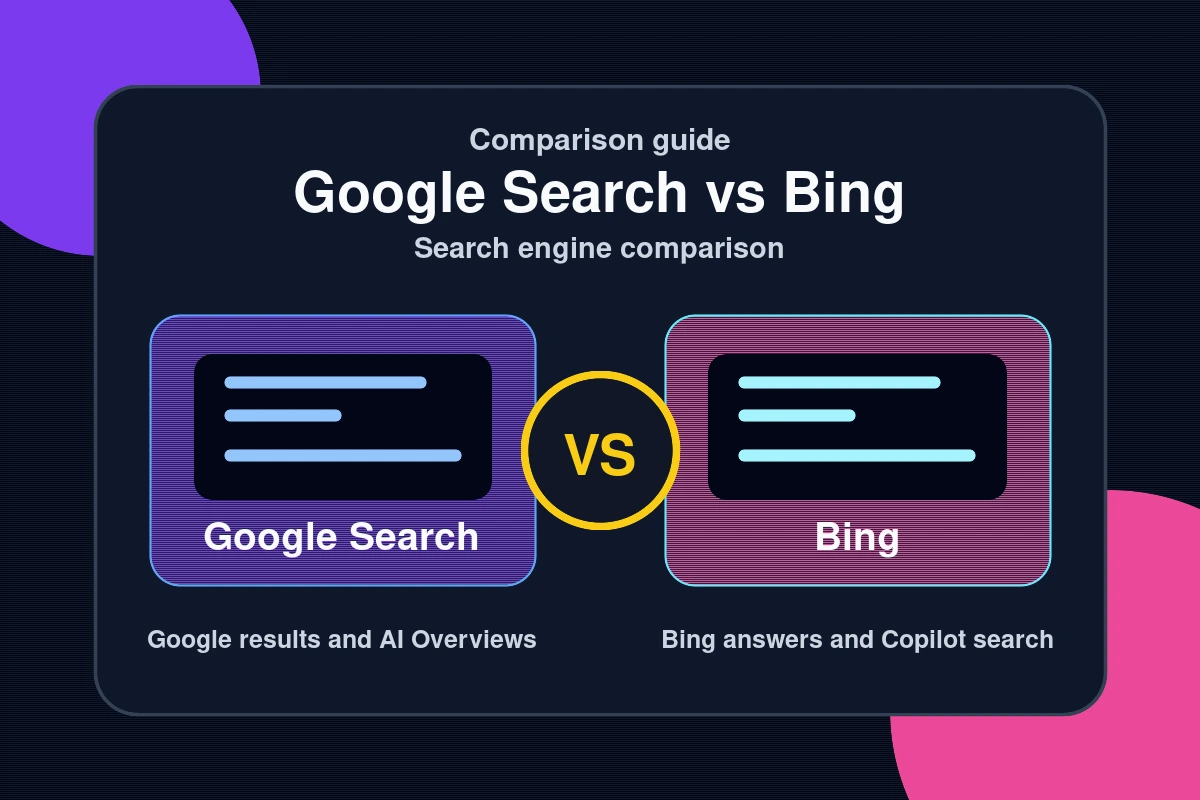
Google still dominates global search with roughly 91% market share, but that number has been quietly slipping. Bing, powered by Microsoft’s heavy investment in OpenAI, has undergone a fundamental transformation since early 2023. AI-generated summaries, deep research tools, and multimodal search have changed what “searching the internet” actually means. If you have been defaulting to Google out of habit, this comparison might change your approach. The real question in 2026 is not just which search engine has more results — it is which one gives you better, more useful answers.
Key takeaways
- This article summarizes the practical impact of Google Search vs Bing: Which Search Engine Actually Gives Better Answers for readers tracking AI and technology changes.
- Focus on confirmed details first, then treat predictions or market impact as analysis rather than settled fact.
- Use the related Hubkub guides below when you need setup steps, comparisons, or a deeper explainer.
How Google and Bing Differ as Search Engines in 2026
On the surface, both engines crawl the web, index pages, and return ranked results. Under the hood, the experience has diverged significantly.
Google’s AI Overviews vs. Bing’s Copilot Integration
Google introduced AI Overviews (formerly Search Generative Experience) to its main search results in 2024. These are AI-generated summaries that appear above traditional results for many queries. The rollout was controversial — early versions cited incorrect information and cannibalised traffic from the websites they summarised. By 2026, the quality has improved, but the tension between AI summaries and the original source websites remains unresolved.
Bing integrates Microsoft Copilot directly into search. Rather than a summary box above results, Copilot offers a full conversational interface alongside traditional results. Users can ask follow-up questions, get cited responses with source links, and switch between a traditional results view and a conversational AI view. The integration feels more deliberate and less like an afterthought grafted onto an existing product.
Where Each Search Engine Performs Better
Neither engine is universally superior. The better choice depends on the type of query you are running. Here is where each one wins:
- Google wins for local search: Google Maps integration, real-time business hours, reviews, and hyperlocal results remain best-in-class. If you are searching for a nearby restaurant or a local service provider, Google is still the clear leader.
- Google wins for image search: Google Images has better visual similarity matching, more detailed results, and Google Lens integration for real-world object identification.
- Google wins for freshness on breaking news: Google News integration and its faster crawl cycle means breaking news surfaces more quickly in Google Search than in Bing.
- Bing wins for complex research queries: Copilot’s conversational interface handles multi-step research questions more gracefully. Asking “compare the tax implications of an LLC vs S-Corp for a freelancer earning $150k” gets a more coherent, cited answer from Bing Copilot than from Google’s AI Overview.
- Bing wins for creative and writing tasks: Microsoft has integrated DALL-E image generation and writing assistance directly into the Bing experience, making it more versatile for creative workflows.
- Bing wins for privacy-conscious users: Bing’s rewards program aside, Microsoft has been more transparent about search data handling, and Bing powers DuckDuckGo, the most popular privacy-focused search engine.
For more on how AI tools are reshaping how we find and use information, see the AI section on this site.
A Practical Guide to Getting Better Results from Both Engines
Regardless of which engine you use, search quality comes down to how you ask. These techniques work across both Google and Bing:
- Use site: to search within a specific domain: site:reddit.com best budget laptop 2026 returns only Reddit threads about that topic. Useful for bypassing SEO-heavy content farms.
- Use quotes for exact phrases: “password manager comparison 2026” returns results that contain that exact phrase rather than loose keyword matches.
- Add a year to your queries: Appending 2026 or “last year” to technology or health queries filters out outdated content significantly.
- Use the Tools/Filters to restrict by date: Both engines allow filtering results by time period. For rapidly evolving topics, restricting to the past month or year is essential.
- Try the same query in both engines: For important research, running the same query in Google and Bing often surfaces different sources and perspectives. The overlap is high for mainstream topics, but niche queries frequently differ.
- Use Bing Copilot for synthesis, Google for discovery: A practical workflow is to use Google to discover a topic broadly, then switch to Bing Copilot to ask synthesis questions about what you found.
For a thorough technical analysis of how search engine algorithms have evolved with AI integration, the Search Engine Journal maintains updated coverage at searchenginejournal.com.
Common Questions — Google Search vs Bing
Is Bing actually better than Google now?
For certain types of queries, yes. Bing Copilot handles complex, multi-part research questions better than Google’s AI Overviews in many test scenarios. Google remains stronger for local search, image search, and breaking news. The honest answer is that “better” depends on what you are searching for. Running both for a week on your actual daily queries is the only way to know which fits your habits.
Does switching to Bing mean giving Microsoft all my data?
All major search engines collect significant amounts of data. Microsoft, like Google, uses search queries to build advertising profiles. If data privacy is a primary concern, neither Google nor Bing is the best option — DuckDuckGo (which uses Bing’s index) or Brave Search (which has its own independent index) are better choices. Bing does not automatically mean better privacy than Google.
Why do AI search results sometimes give wrong information?
AI-generated search summaries can “hallucinate” — producing confident-sounding statements that are factually incorrect. Both Google AI Overviews and Bing Copilot suffer from this. The issue is most common with niche topics, recent events, and numerical data. Always check cited sources directly for anything that matters. AI search is useful for orientation, not authoritative sourcing.
Which search engine is better for finding academic or research papers?
Neither Google Search nor Bing is the right tool for academic research. Google Scholar (scholar.google.com) is significantly better for finding peer-reviewed research. Microsoft Academic has been discontinued. For academic research, Google Scholar combined with Semantic Scholar or PubMed for life sciences is the practical recommendation.
Conclusion: Use Both Strategically
The Google vs. Bing debate in 2026 is more nuanced than it was five years ago. Three things to remember:
- Google still leads on local, visual, and news search — and its index remains the most detailed for mainstream web content.
- Bing Copilot is a genuine advantage for complex questions — the conversational interface and cited responses make it meaningfully better for research synthesis tasks.
- The AI race has made both engines better — competition between Google and Microsoft has accelerated feature development in ways that benefit users regardless of which engine they prefer.
For practical guides on using AI tools more effectively in your daily research and writing, visit the AI section. The best search strategy in 2026 is not picking one engine — it is knowing when to use which one.
See also: Tech News and Analysis: Key Technology Trends in 2026 — browse all Tech News articles on Hubkub.
Related Articles
- Apple Maps Is Getting Ads in 2026: What Users and Businesses Need to Know
- OpenAI Plans to Double Workforce to 8,000 by End of 2026
- YC W26 Demo Day 2026: Record 14 AI Startups Hit $1M ARR
Last Updated: April 13, 2026
How to choose between these options
Use this decision checklist if you are comparing tools for real work rather than only reading feature lists.
- Primary task: choose the tool that solves your most frequent task with the least friction.
- Setup complexity: consider whether you need local installation, accounts, drivers, network access, or mobile permissions.
- Reliability: test the tool with your actual device, network, file type, or workflow before committing.
- Privacy and safety: review what data is transmitted, stored, mirrored, or synced.
- Fallback: keep an alternative ready if the tool depends on a network, cloud account, or platform-specific feature.
Related Hubkub resources: Content Quality Standards, Software Reviews, and Safe Software Downloads.
FAQ
How should I use this guide?
Use it as a practical starting point, then verify details against your own device, account, software version, or official documentation.
What if the information becomes outdated?
Technology changes quickly. If you notice outdated steps or broken links, use Hubkub’s contact or corrections policy pages so the article can be reviewed.