Table of Contents
Key takeaways
- This page gives a practical decision path for Bitwarden vs 1Password: The Honest Comparison (2026), not just a broad overview.
- Compare the tradeoffs, requirements, and alternatives before acting on the recommendation.
- Use the related Hubkub links below to continue into the closest next topic.
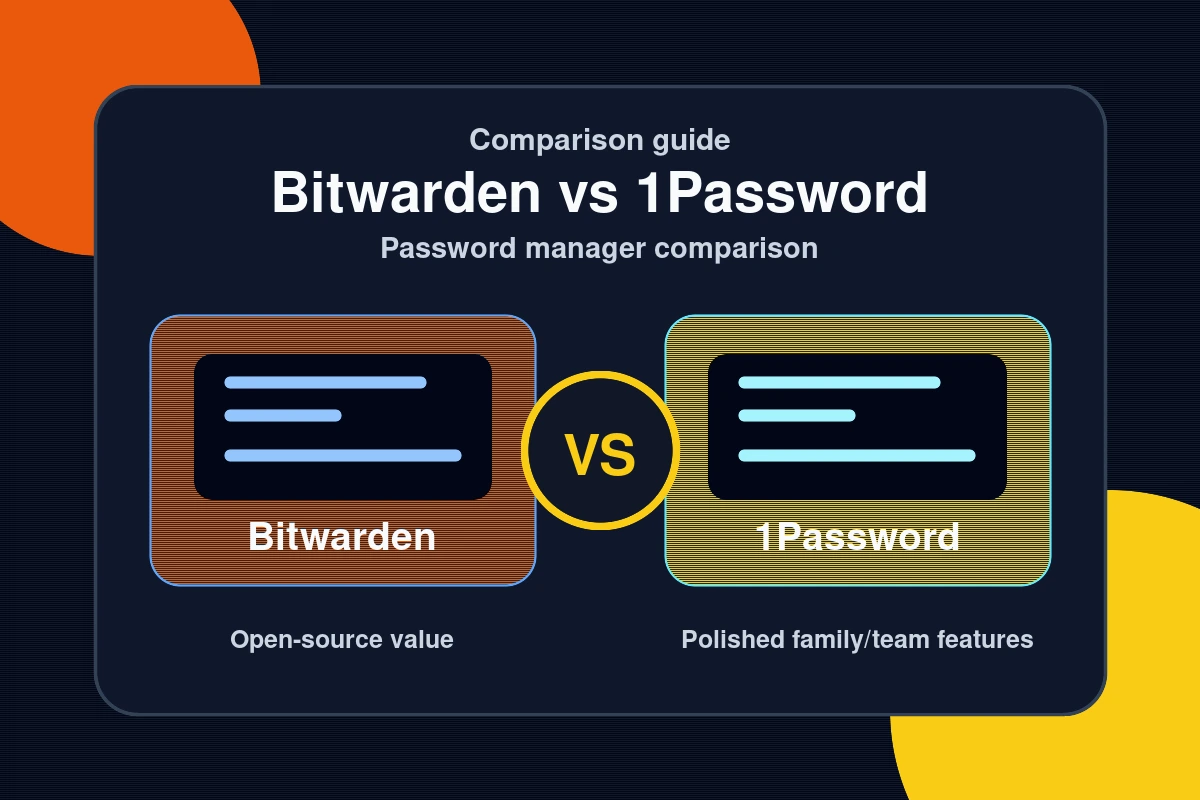
Choosing the right password manager is one of the most important security decisions you can make in 2026. The Bitwarden vs 1Password comparison comes down to two genuinely excellent tools with very different philosophies: Bitwarden is open-source and free-first, while 1Password is polished, premium, and packed with enterprise features. Both protect your passwords with AES-256 encryption. Both are trusted by millions. But depending on your needs — and your budget — one is clearly the better fit. This guide breaks down pricing, features, security architecture, platform support, and real-world usability so you can make an informed choice.

Pricing: Bitwarden vs 1Password at Every Tier
Pricing is where Bitwarden and 1Password diverge most dramatically. Bitwarden’s free tier is one of the most generous in the industry, while 1Password has no free tier at all — but its premium features may justify the cost.
| Plan | Bitwarden | 1Password |
|---|---|---|
| Free | Yes — unlimited passwords, all devices | No free tier (14-day trial only) |
| Personal Premium | $10/year ($0.83/month) | $35.88/year ($2.99/month) |
| Families | $40/year (up to 6 users) | $59.88/year (up to 5 users) |
| Teams | $4/user/month | $7.99/user/month |
| Enterprise | $6/user/month | $14.99/user/month |
| Self-hosting | Yes (free) | No |
Verdict on pricing: Bitwarden wins decisively. The free tier alone offers more than most paid competitors, and Premium at $10/year is one of the best values in software. For more security tool comparisons, see our full tech comparisons library.
Features Face-Off: What Each Password Manager Offers

Both tools nail the basics — autofill, browser extensions, mobile apps, password generator. The differences show up in the advanced features:
| Feature | Bitwarden | 1Password |
|---|---|---|
| Browser extensions | All major browsers ✓ | All major browsers ✓ |
| Mobile apps (iOS/Android) | ✓ | ✓ |
| Desktop apps | ✓ | ✓ |
| Two-factor authentication | ✓ (Premium: TOTP built-in) | ✓ (TOTP built-in) |
| Passkey support | ✓ (2024+) | ✓ (2023+) |
| Travel Mode | ✗ | ✓ (hide vaults at border) |
| Watchtower (breach alerts) | ✓ (Premium) | ✓ (all plans) |
| Secure file storage | 1GB (Premium) | 1GB (all paid plans) |
| SSH key management | ✗ | ✓ (developer feature) |
| Secret automation (CLI) | Limited | ✓ 1Password Secrets Automation |
| Open source | ✓ (fully audited) | ✗ (proprietary) |
| Self-host option | ✓ | ✗ |
1Password’s killer features: Travel Mode (temporarily hides sensitive vaults when crossing borders) and SSH key management make it uniquely powerful for developers and frequent travelers. These features have no equivalent in Bitwarden.
Security Architecture: Which Is More Trustworthy?
Both Bitwarden and 1Password use zero-knowledge architecture — meaning they never have access to your master password or vault contents. Only you can decrypt your data. Here’s how the security models compare:
- Encryption: Both use AES-256 encryption, PBKDF2 (or Argon2) key derivation, and end-to-end encryption in transit and at rest.
- Master password: Neither company can recover it if lost. Bitwarden offers account recovery via emergency access; 1Password uses a Secret Key (a 128-bit random string) in addition to your master password for extra security.
- 1Password’s Secret Key advantage: Your Secret Key is never transmitted to 1Password’s servers. This means even if their servers were breached, your vault is protected by a key only you have. This is a genuine security edge.
- Bitwarden’s open-source advantage: Bitwarden’s code is publicly audited. Independent security researchers can (and do) review it. 1Password is proprietary — you must trust their word on implementation.
- Audit history: Both undergo annual third-party security audits. Bitwarden’s most recent audit (2023, Cure53) found no critical issues. 1Password publishes security white papers but not full audit reports.
For those who want to understand how to secure their full digital life, our cybersecurity guides cover everything from password hygiene to VPN selection — pair them with this comparison for a complete security setup.
Common Questions — Bitwarden vs 1Password Comparison
Q: Is Bitwarden actually as secure as 1Password?
A: Yes. Both use AES-256 encryption and zero-knowledge architecture — neither company can access your passwords. 1Password adds a Secret Key for additional protection against server breaches. Bitwarden counters with open-source code that can be independently audited. Both have been professionally audited with no critical findings. For most users, both are equally secure in practice.
Q: Can I migrate from 1Password to Bitwarden?
A: Yes, it’s straightforward. Export your 1Password vault as a CSV or 1PUX file, then import it directly into Bitwarden via Settings → Import Data. Bitwarden supports 1Password import natively. Most users complete the migration in under 10 minutes with no data loss.
Q: Does Bitwarden’s free plan have any real limitations?
A: The free tier is genuinely useful — unlimited passwords, unlimited devices, all major platforms, basic two-factor authentication. The main limitations are: no built-in TOTP authenticator (requires Premium at $10/year), no encrypted file attachments, no emergency access, and no advanced 2FA (YubiKey, FIDO2). For most individual users, the free tier is sufficient.
Q: Which is better for teams: Bitwarden or 1Password?
A: 1Password Teams and Enterprise are more polished with better admin controls, custom roles, and Secrets Automation for developers. Bitwarden Teams is significantly cheaper ($4 vs $7.99/user/month). For technical teams on a budget, Bitwarden Teams is excellent. For enterprise environments needing advanced provisioning (SCIM, SSO, Active Directory), 1Password Enterprise has a slight edge — though Bitwarden Enterprise also supports SSO and Directory Connector.
Verdict: Which Password Manager Should You Choose?
The Bitwarden vs 1Password comparison doesn’t have a universal winner — it depends on your priorities. Three clear takeaways:
- Choose Bitwarden if: You want the best free password manager, you’re privacy-conscious and value open source, you want to self-host your vault, or you need a team solution without breaking the budget.
- Choose 1Password if: You need Travel Mode, SSH key management, 1Password Secrets Automation for DevOps, or prefer a more polished UX and don’t mind paying $3/month for it.
- Both beat no password manager — if you’re still reusing passwords, either option is an enormous security upgrade. Start with Bitwarden Free today.
Either choice puts you far ahead of the 65% of users who still reuse passwords across sites (Google/Harris Poll, 2024). Explore more tool comparisons to find the right software for every part of your workflow.
Last Updated: April 13, 2026
How to choose between these options
Use this decision checklist if you are comparing tools for real work rather than only reading feature lists.
- Primary task: choose the tool that solves your most frequent task with the least friction.
- Setup complexity: consider whether you need local installation, accounts, drivers, network access, or mobile permissions.
- Reliability: test the tool with your actual device, network, file type, or workflow before committing.
- Privacy and safety: review what data is transmitted, stored, mirrored, or synced.
- Fallback: keep an alternative ready if the tool depends on a network, cloud account, or platform-specific feature.
Related Hubkub resources: Content Quality Standards, Software Reviews, and Safe Software Downloads.
FAQ
How should I use this guide?
Use it as a practical starting point, then verify details against your own device, account, software version, or official documentation.
What if the information becomes outdated?
Technology changes quickly. If you notice outdated steps or broken links, use Hubkub’s contact or corrections policy pages so the article can be reviewed.