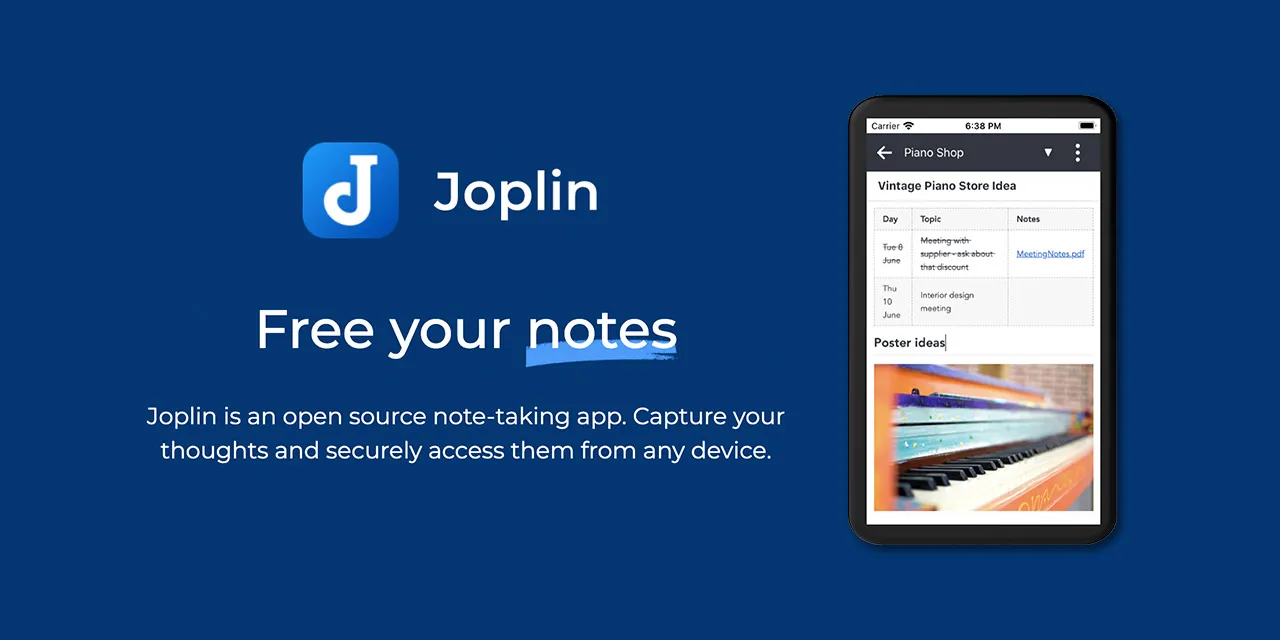
Joplin is worth downloading in 2026 if you want private markdown notebook workflow with sync control. This review is based on official product pages, docs, download paths, and release history checked on April 19, 2026.
Last updated: April 19, 2026 – Verified official homepage, download path, docs/help surface, and release history. – Rebuilt the page to match Hubkub’s downloads template with a visible official-download CTA and stronger decision-help sections.
Key Takeaways
- Joplin is one of the strongest privacy-first note apps if you want markdown, notebooks, and sync flexibility without vendor lock-in.
- It is better for users who care about control and portability than for teams that want polished real-time collaboration.
- Use the official Joplin download path only, then compare it with Obsidian, Simplenote, and Standard Notes before committing to one notes workflow.
Official download path for Joplin Review
Hubkub does not host installers. Use the official vendor/project page first, then use this review to check fit, limits, and safer setup notes.
Hubkub verification notes for Joplin Review
- Official download/support links already cited on this page were checked as the preferred source path for Joplin Review.
- Hubkub does not host installer files; the download action points readers back to the official vendor or project source.
- This page separates practical fit, trade-offs, and safety notes so readers can decide whether Joplin Review matches their workflow.
Verification notes checked for Joplin Review
- Review basis: official source checks
- Verified on: April 19, 2026
- Official download URL: https://joplinapp.org/download/
- Latest stable version checked: v3.5.13
- Release date shown on the official source: February 25, 2026
- Official OS support checked: Windows, macOS, Linux, Android, iPhone/iPad
- Account requirement: No account is required for local use. Sync targets depend on the service you choose.
- File size: check the official download page before installing
- Display unit used: MB
- Current official installer/package artifact seen: Joplin-3.5.13-arm64.DMG (latest GitHub release sample asset)
- Signature check: verify on your device after downloading from the official source
- VirusTotal check: run your own malware scan before installing
- Hash/checksum: compare with the publisher hash when provided
- Specific numeric evidence: 18 release assets were listed on the latest GitHub release page during verification.
Official resources
Use the official links below so you get the current vendor download and documentation from the real source.
Need setup help? Read the official documentation and check the official release history.
Who should use Joplin?
- privacy-focused note takers
- markdown-first users
- people leaving Evernote-style lock-in
- users who want local-first control with optional sync
Who should skip Joplin?
- teams wanting rich live collaboration
- users who prefer a very minimal notes UI
- people who want a tightly integrated all-in-one workspace
Is Joplin free or paid?
Joplin is free and open source. That makes it especially attractive to readers who want a note app with strong portability and less vendor lock-in pressure. The real tradeoff is not price, but whether you prefer its notebook-and-markdown structure over smoother commercial collaboration tools.
Joplin belongs in the downloads category because it solves a real decision problem: should you keep your notes in a more private, portable markdown workflow, or stay inside a more service-first notes app? That question matters long before you care about plugins or ecosystem hype.
Is Joplin safe to download?
Download Joplin from the official Joplin site only. This review verified the official homepage, official download page, help pages, desktop changelog path, and GitHub repository. It did not rerun checksum, signature, or VirusTotal checks for this update, so that part remains explicitly marked as not tested.
What does Joplin simplify for beginners?
Joplin makes it easier to keep structured notebooks, write markdown notes across devices, clip web content, and move between local storage or different sync targets without surrendering the whole workflow to one vendor.
What should you know before switching?
If you are moving from Evernote-style tools, Joplin is most attractive because it keeps a recognizable notebook mindset while giving you more portability. If you are moving from Obsidian, the decision is more about whether you want more structure and sync clarity than plugin freedom. If you are moving from Standard Notes, the difference is whether you care more about notebook workflow or about a more service-centric privacy product.
Joplin vs the closest alternatives
| Tool | Best for | Main tradeoff |
|---|---|---|
| Joplin | private markdown notebook workflow with sync control | less polished than some commercial note apps |
| Obsidian | plugin-rich local knowledge workspace | less notebook-like by default |
| Simplenote | fast simple synced notes | much lighter structure |
| Standard Notes | privacy-first encrypted note service | premium path matters earlier |
The most important point is not that Joplin beats every alternative. It is that Joplin has a clearer fit for readers who want private notebook control, markdown portability, and a sync story they can understand before they commit.
Related Hubkub reads
Where Joplin Review works well — and where it may not
Pros
- open source and portable
- strong markdown workflow
- flexible sync choices
- good migration path for notebook-style users
Cons
- less polished than some commercial note apps
- team collaboration story is weaker
- setup choices can feel more manual than beginner apps
Alternatives worth considering
Compare Joplin with Obsidian if you want another local knowledge option, with Simplenote if you prefer low-friction notes, and with Standard Notes if privacy-first service features matter more than notebook structure.
Who should download Joplin Review?
Download Joplin if your main goal is a private, portable notes workflow with markdown and sync flexibility. Skip it if you want the lightest possible UI or a team-first workspace.
Joplin Review download and safety questions
Is Joplin really free?
Yes. Joplin is open-source software and the desktop app is free to download. You only need to think about cost if you choose a paid sync or cloud option instead of a self-managed sync path.
Is Joplin better than Obsidian?
Joplin is usually the better fit if you want a more straightforward notebook structure and clearer control over sync targets. Obsidian is stronger if you want a richer plugin ecosystem and a more flexible local knowledge base.
Does Joplin support end-to-end encryption?
Joplin documents end-to-end encryption for supported sync setups, but you still need to configure sync carefully and verify your chosen storage provider. This review did not re-test encryption setup hands-on for this update.
Can Joplin import Evernote notes?
Yes. Joplin officially supports import paths such as ENEX for users moving from Evernote-style workflows, which makes it more migration-friendly than some lighter note apps.
Who should skip Joplin?
People who want the smoothest collaborative workspace, polished team features, or the broadest plugin ecosystem may prefer Notion, Todoist for tasks, or Obsidian for deeper local graph workflows.
Software review and safety note
Hubkub reviews software pages with a safety-first checklist: we check the product purpose, supported platforms, license or pricing signals, common user risks, official documentation or vendor pages where available, and whether the download path could confuse readers. For safety, prefer the developer’s official website or a clearly trusted source, avoid installer bundles you do not recognize, and scan downloaded files with your device security tools before installing.
Learn more about our standards in Editorial Policy, Content Quality Standards, and Corrections Policy.
Related Hubkub resources
Reader-first software checklist
Before installing or switching to this software, use this quick checklist to confirm whether it fits your needs and risk tolerance.
- Official source: prefer the developer website, official documentation, or a clearly trusted distribution channel.
- Platform fit: check whether your Windows, macOS, Linux, Android, or iOS version is supported.
- License and cost: confirm whether the app is free, open source, freemium, trial-based, or paid.
- Privacy and permissions: review what files, folders, network access, account data, or browser permissions the app may use.
- Backup first: for recovery, storage, networking, privacy, or system utilities, back up important data before changing settings.
Safe download and setup notes
Hubkub does not recommend clicking misleading download buttons or installing unknown bundles. When possible, use the official source and avoid third-party installers that add toolbars, browser changes, or unrelated offers. After downloading, verify the file name, publisher, version, and installer prompts before continuing.
Pros, limits, and alternatives to consider
- Best fit: readers who need the core function described in this guide and prefer a practical setup path.
- Watch out for: outdated versions, unsupported platforms, unclear installers, or features that require paid upgrades.
- Compare alternatives: if this app feels too complex, too limited, or not maintained enough for your workflow, compare it with similar tools before installing.
Related Hubkub resources: Safe Software Downloads, Software Reviews, How We Review Software, and Content Quality Standards.
FAQ
Should I download this software from any mirror site?
Use the official developer website or a trusted distribution channel whenever possible. Mirror sites can be useful in limited cases, but they may also include outdated installers, misleading ads, or unwanted bundles.
What should I check before installing?
Check the publisher, version, license, supported operating system, installer prompts, and whether the app requests sensitive permissions.