Table of Contents
- What Each Hosting Type Actually Means
- Why Your Hosting Choice Directly Impacts SEO and Revenue
- How to Choose the Right Hosting Tier: A Step-by-Step Framework
- Common Questions — VPS vs Cloud Hosting vs Shared Hosting
- Conclusion: Match Your Hosting to Your Growth Stage
- How to choose between these options
- FAQ
Choosing the right hosting plan is one of the most consequential decisions you will make for your website. Pick the wrong tier and you either overspend on resources you never use, or you watch your site buckle under traffic while support tickets pile up. In 2026, the global web hosting market is worth more than $100 billion, yet many site owners still default to whatever plan a shared-hosting upsell page recommends. This guide cuts through the noise. We compare VPS vs cloud hosting vs shared hosting across performance, scalability, cost, and control so you can make a confident, data-backed choice — whether you are launching a blog today or scaling a SaaS product next quarter.

What Each Hosting Type Actually Means
Before comparing numbers, you need a clear mental model of how these three hosting architectures differ at the infrastructure level.
Shared Hosting: The Apartment Block Model
Shared hosting places hundreds — sometimes thousands — of websites on a single physical server. Everyone shares the same CPU, RAM, disk I/O, and bandwidth pool. When a neighbour site spikes in traffic, your site feels it. This is the infamous “noisy neighbour” problem. Shared hosting is sold on simplicity: one-click installers, cPanel dashboards, and sub-$5/month price tags. It is perfectly adequate for a personal portfolio or a small local business site receiving fewer than 5,000 monthly visitors. The ceiling hits fast, though. Most shared plans cap PHP workers, restrict cron jobs, and throttle database connections. Attempting to run WooCommerce or a high-traffic affiliate site on shared hosting typically ends in slow load times, 500 errors during peak hours, and a frustrated migration six months later.
A Virtual Private Server (VPS) carves a dedicated slice of a physical machine using hypervisor technology such as KVM or Xen. You get guaranteed RAM, dedicated CPU cores, and isolated storage. Root access means you install any software stack you need — Nginx, Redis, custom PHP versions, Node.js — without asking permission. The trade-off is management overhead. You are responsible for OS updates, security patches, firewall rules, and backups unless you pay for managed VPS. Prices typically range from $10 to $80 per month depending on resource allocation. A well-tuned VPS running a lightweight stack like Nginx + PHP-FPM + Redis can serve a WordPress site with 50,000 monthly visitors without breaking a sweat.
Cloud hosting abstracts infrastructure entirely. Instead of a fixed server, your site runs across a distributed cluster of virtual machines. Resources scale horizontally: add nodes during a traffic spike, release them when traffic drops, and pay only for what you consume. Providers like AWS, Google Cloud, and DigitalOcean offer SLAs with 99.99% uptime guarantees backed by redundant data centres. The premium is in complexity and cost unpredictability — a misconfigured auto-scaling policy can generate a surprise bill.
Why Your Hosting Choice Directly Impacts SEO and Revenue

Google’s Core Web Vitals tie page experience signals directly to rankings. Time to First Byte (TTFB) — a metric heavily influenced by server response time — is a key diagnostic. Shared hosting routinely produces TTFB values above 600 ms. A VPS or cloud server, properly configured with server-side caching, regularly achieves TTFB under 200 ms. That gap translates into measurable ranking differences for competitive keywords.
- Uptime reliability: Shared hosts average 99.5% uptime (about 44 hours of downtime per year). Cloud infrastructure with load balancing targets 99.99% (under an hour per year).
- Security isolation: On shared hosting, a compromised neighbouring account can expose your data via misconfigured server settings. VPS and cloud environments are isolated by design.
- Scalability on demand: A viral post or product launch can send traffic 10x overnight. Shared hosting crashes; cloud hosting scales automatically.
- Developer control: Custom PHP configurations, Redis object caching, Elasticsearch — none of these are available on shared hosting. VPS and cloud give you the full stack.
- Cost efficiency at scale: Paradoxically, a $20/month VPS often handles the same workload as a $60/month “Business” shared plan, with better performance and security.
For a deeper look at performance optimisation strategies that work hand-in-hand with your hosting choice, visit the How-To guides on Hubkub.
How to Choose the Right Hosting Tier: A Step-by-Step Framework
- Audit your current traffic: Use Google Analytics or Cloudflare to find your monthly unique visitors and peak concurrent users. Under 10,000 monthly visits with no e-commerce: shared hosting is acceptable. 10,000 to 100,000: VPS is the sweet spot. Above 100,000 or unpredictable spikes: cloud hosting.
- Define your technical capacity: Can you manage a Linux server via SSH? If yes, unmanaged VPS gives the best performance-per-dollar. If no, choose managed VPS (such as Cloudways, Kinsta, or RunCloud) or a managed cloud platform.
- Calculate total cost of ownership: Shared plans cost $3 to $10 per month. Unmanaged VPS runs $10 to $40 per month. Managed VPS or cloud runs $30 to $150 per month. Add CDN costs (free to $20/month via Cloudflare), backup storage, and monitoring tools.
- Test TTFB before committing: Most providers offer 30-day money-back guarantees. Deploy a staging site, run GTmetrix or WebPageTest from multiple regions, and confirm TTFB is consistently under 300 ms.
- Plan your migration path: Start on shared hosting only if budget is genuinely constrained. Build in a migration trigger — for example, “when monthly traffic exceeds 15,000 or page speed score drops below 80.” Migrate before you hit the wall, not after.
- Enable object caching regardless of tier: Redis or Memcached on a VPS or cloud environment dramatically reduces database load. Even on managed hosting, enable the platform’s object cache. This single step can cut server response times by 50 to 70 percent.
For authoritative benchmarks comparing hosting performance across providers, WPBeginner’s hosting comparison is regularly updated with real-world speed tests.
Common Questions — VPS vs Cloud Hosting vs Shared Hosting
Is VPS hosting better than shared hosting for WordPress?
Yes, in almost every measurable dimension. VPS hosting provides dedicated RAM and CPU cores, root-level access for custom configurations, and true resource isolation. A properly configured VPS running Nginx, PHP-FPM, and Redis will serve WordPress pages 3 to 5 times faster than equivalent shared hosting, with significantly better uptime and security.
What is the main difference between VPS and cloud hosting?
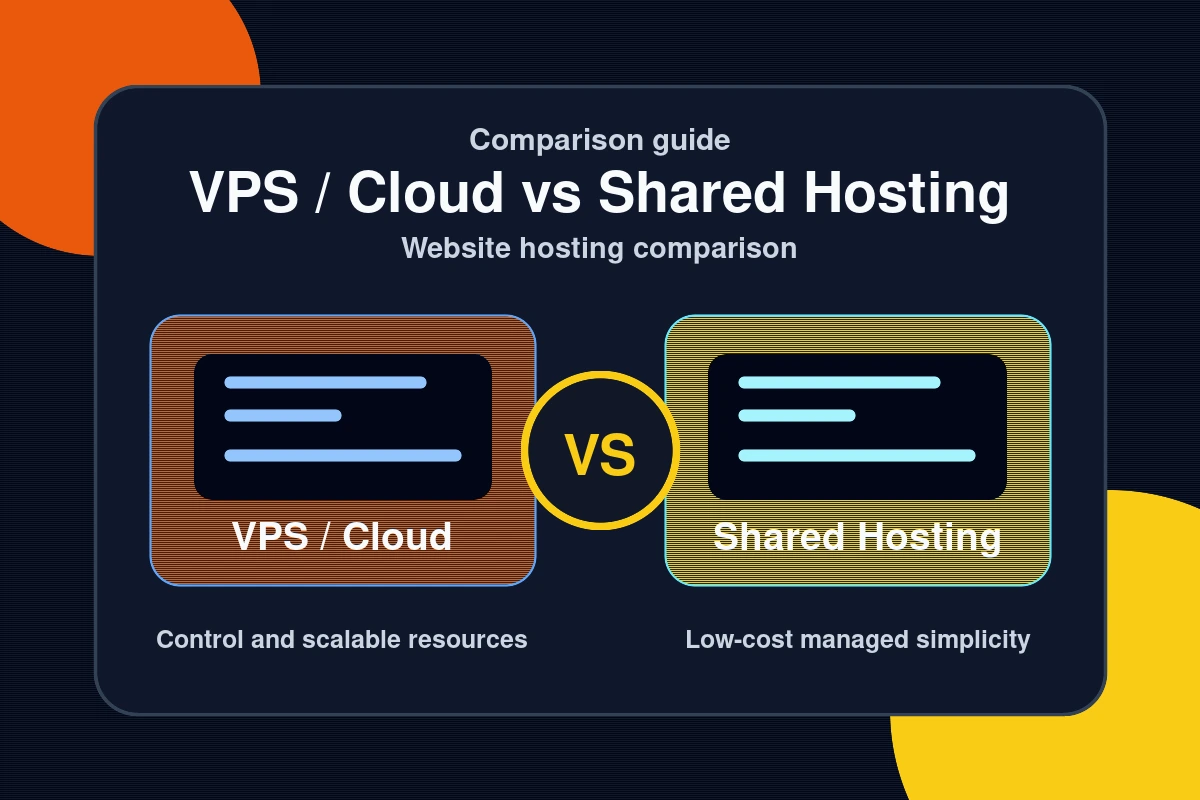
A VPS is a fixed slice of a single physical server. Cloud hosting distributes your workload across multiple servers and scales dynamically. VPS offers predictable pricing and consistent performance; cloud hosting offers elastic scalability and higher redundancy. For most content sites and small businesses, a managed VPS is the more cost-efficient choice. Cloud infrastructure becomes compelling when you need auto-scaling or multi-region redundancy.
When should I upgrade from shared to VPS hosting?
Upgrade when any of the following occur: your site consistently loads slower than 3 seconds, you receive more than 10,000 monthly visitors, your host throttles your PHP workers or database connections, or you need to install custom software such as Redis or Elasticsearch. Do not wait for a crisis — plan the migration proactively before performance problems affect your rankings.
Is cloud hosting worth the higher cost for a small blog?
Typically no. Cloud hosting’s primary advantages — elastic scaling and geographic redundancy — are overkill for a small blog with predictable traffic. A $20/month VPS with Cloudflare’s free CDN tier delivers nearly identical performance to a $50/month cloud plan. Revisit cloud hosting when your traffic becomes genuinely unpredictable or when your revenue justifies the premium infrastructure cost.
Conclusion: Match Your Hosting to Your Growth Stage
The right hosting decision is not about prestige — it is about matching infrastructure to your current needs while leaving room to grow without a painful migration. Here are the three key takeaways from this comparison:
- Shared hosting is a starting point, not a destination. Use it only if budget is your primary constraint and traffic is low. Build a migration plan from day one so you are never caught off guard.
- VPS is the best value for growing content sites. For $20 to $40 per month, a managed VPS on platforms like Cloudways or RunCloud delivers enterprise-grade performance with minimal server management overhead.
- Cloud hosting makes sense at scale or when traffic is unpredictable. If you are running a media site, SaaS product, or e-commerce store with variable traffic patterns, cloud infrastructure pays for itself in reliability and scalability.
Ready to optimise more than just your hosting? Explore our practical how-to guides for WordPress performance, security hardening, and site speed improvements. Your hosting tier is the foundation — what you build on top of it determines the ceiling.
See also: Tech Comparisons: Side-by-Side Analysis of the Best Tools in 2026 — browse all Comparisons articles on Hubkub.
Related Articles
- Nginx vs Apache for WordPress: Which Is Better in 2026?
- Blocksy vs Astra: Which WordPress Theme Is Better for Content Sites?
- Tech Comparisons: Side-by-Side Analysis of the Best Tools in 2026
Last Updated: April 13, 2026
How to choose between these options
Use this decision checklist if you are comparing tools for real work rather than only reading feature lists.
- Primary task: choose the tool that solves your most frequent task with the least friction.
- Setup complexity: consider whether you need local installation, accounts, drivers, network access, or mobile permissions.
- Reliability: test the tool with your actual device, network, file type, or workflow before committing.
- Privacy and safety: review what data is transmitted, stored, mirrored, or synced.
- Fallback: keep an alternative ready if the tool depends on a network, cloud account, or platform-specific feature.
Related Hubkub resources: Content Quality Standards, Software Reviews, and Safe Software Downloads.
FAQ
How should I use this guide?
Use it as a practical starting point, then verify details against your own device, account, software version, or official documentation.
What if the information becomes outdated?
Technology changes quickly. If you notice outdated steps or broken links, use Hubkub’s contact or corrections policy pages so the article can be reviewed.