Key takeaways
- Choose Parsec if low-latency personal streaming and gaming-style responsiveness matter most.
- Choose RustDesk if you want an open-source remote desktop tool with broader admin and support appeal.
- This is a source-verified comparison based on current official product pages, not a synthetic feature checklist copied from third-party blogs.
Last updated: April 22, 2026
- Checked the official Parsec product/pricing surfaces and the official RustDesk project/homepage surfaces.
- Built to support the Hubkub remote-access cluster around Parsec and RustDesk.
What I verified for this comparison
- Parsec official homepage and pricing surface.
- RustDesk official homepage and official GitHub project.
- Public positioning of both tools to separate gaming-first use from broader remote desktop use.
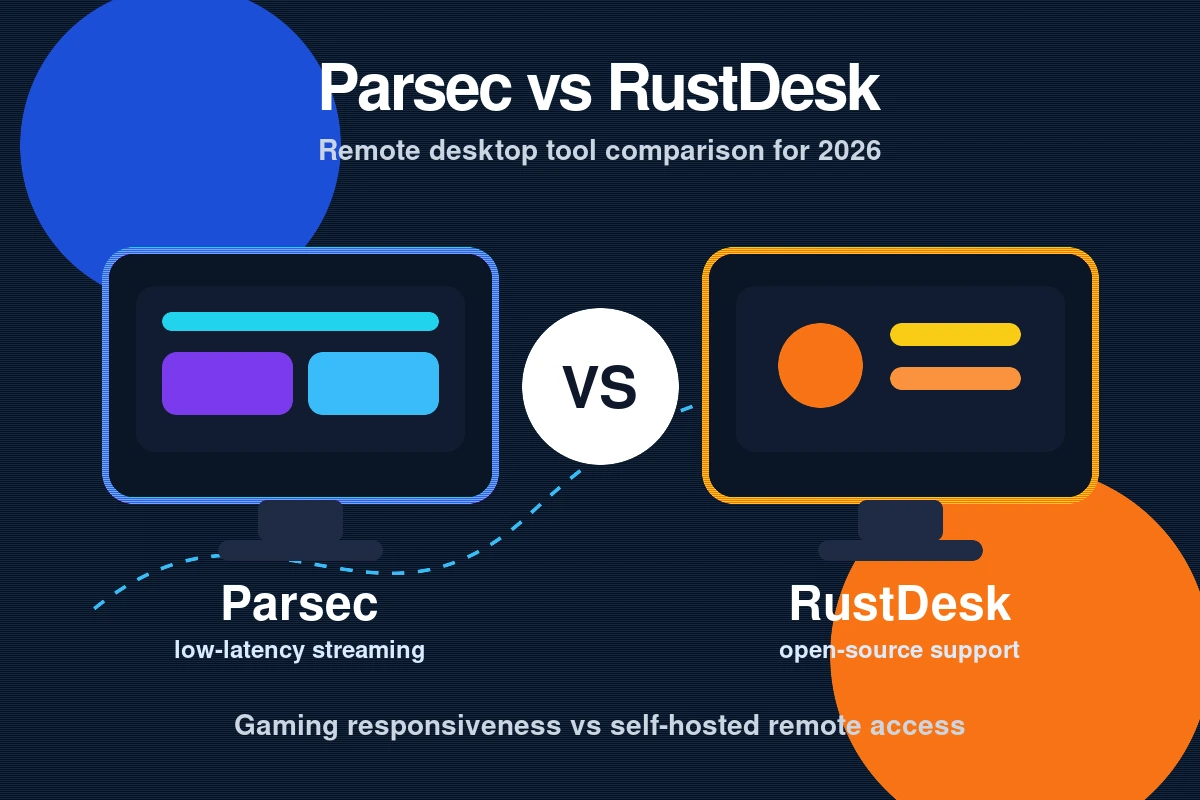
Parsec vs RustDesk is not a “which app is universally better?” question. It is a workflow-fit question. Parsec is strongest when you care about low-latency interaction and personal streaming from your own hardware. RustDesk is stronger when you want an open-source remote desktop tool that feels more at home in general support, admin, and self-hosting conversations. If you force them into the same bucket, you miss why each one wins.
What Parsec is best at
Parsec still feels like a gaming-first remote access tool. the practical effect is it shapes expectations: smoother input, personal host-to-client usage, and a product story built around responsiveness. If your question is “how can I use my own machine remotely with less lag?” then Parsec is easier to justify. That is also why its strongest search demand on Hubkub is around download, pricing, and what-the-app-does intent rather than classic enterprise remote-support intent.
What RustDesk is best at
RustDesk fits a different trust profile. It is open source, its project positioning is clearer for broader remote desktop usage, and it speaks more naturally to readers who care about control, deployment style, and long-term ownership. If your need is not game streaming but actual remote desktop control with a more infra-minded posture, RustDesk often makes more sense.
Winner by use case
| Use case | Winner | Why |
|---|---|---|
| Personal game streaming | Parsec | Lower-latency, gaming-first positioning |
| Open-source preference | RustDesk | Cleaner for readers who want open code and more control |
| General remote desktop/admin use | RustDesk | Better fit outside gaming-specific expectations |
| Fast personal host-to-client feel | Parsec | Still the stronger “use my own machine remotely” pitch |
Which should you choose?
Choose Parsec if you care most about responsiveness, personal streaming, and using your own PC as the center of the workflow. Choose RustDesk if you want a more general remote desktop path, especially if open-source posture and broader support/admin use matter more than gaming smoothness.
For Hubkub readers, the simplest decision rule is this: if your search starts with download, is it free, or game streaming, start with Parsec. If your search starts with remote desktop, open source, or self-hosted style control, start with RustDesk.
Common Questions —
Is Parsec better than RustDesk for gaming?
Yes. Based on current product positioning, Parsec is the better fit when low-latency personal streaming and gaming-like responsiveness are the priority.
Is RustDesk better for general remote desktop use?
Usually yes. RustDesk fits broader remote desktop expectations better, especially for readers who care about open-source posture and less gaming-specific positioning.
Which one should most Hubkub readers start with?
Start with the one that matches your actual intent: Parsec for fast personal streaming, RustDesk for broader open-source remote desktop control.
Download trust and setup reality
One reason this comparison matters for SEO is that users often arrive from two very different mindsets. A Parsec reader may start with download and pricing intent, while a RustDesk reader may start with remote-control and open-source intent. That difference changes what each tool has to prove. Parsec has to prove that its free tier is still worth using and that the download path is trustworthy. RustDesk has to prove that it is not just interesting open-source software, but a practical tool readers can actually adopt.
That is why the safest reading path is not to ask which brand is louder. Ask which tool aligns with the workflow you already have. If your home machine is the center of the experience, Parsec has a cleaner story. If your concern is broader desktop access and control, RustDesk has a cleaner story.
When Parsec is the wrong pick
Parsec is not automatically the best pick just because it feels smooth. It becomes the wrong choice when you do not care about gaming-style responsiveness, when your workflow is broader remote support, or when you specifically want a product story with a stronger open-source identity. In those cases, the low-latency advantage matters less and RustDesk starts to look more aligned.
This is important because comparison pages often make the mistake of treating every feature as equal. But in the real buying decision, one or two factors dominate. For Parsec, latency and personal streaming are dominant. If those are not dominant for you, its main edge shrinks fast.
When RustDesk is the wrong pick
RustDesk becomes the weaker choice when the reader wants a “remote gaming first” experience, or when smoother personal-streaming feel matters more than open-source posture. If you are mostly thinking about how a remote session feels rather than how the tool is governed or deployed, Parsec is usually easier to justify.
So the honest winner is not a universal one. It depends on whether your first question is about responsiveness or about broader remote-desktop control. That is the decision line this page exists to clarify.
Editorial and update note
Hubkub articles are maintained with a practical quality checklist: clear purpose, useful context, safe recommendations, internal links to related guides, and correction pathways for outdated details. If you notice an error or stale information, please use our Contact or Corrections Policy pages so we can review it.
Learn more about our standards in Editorial Policy, Content Quality Standards, and Corrections Policy.
Related Hubkub resources
How to choose between these options
Use this decision checklist if you are comparing tools for real work rather than only reading feature lists.
- Primary task: choose the tool that solves your most frequent task with the least friction.
- Setup complexity: consider whether you need local installation, accounts, drivers, network access, or mobile permissions.
- Reliability: test the tool with your actual device, network, file type, or workflow before committing.
- Privacy and safety: review what data is transmitted, stored, mirrored, or synced.
- Fallback: keep an alternative ready if the tool depends on a network, cloud account, or platform-specific feature.
Related Hubkub resources: Content Quality Standards, Software Reviews, and Safe Software Downloads.
FAQ
How should I use this guide?
Use it as a practical starting point, then verify details against your own device, account, software version, or official documentation.
What if the information becomes outdated?
Technology changes quickly. If you notice outdated steps or broken links, use Hubkub’s contact or corrections policy pages so the article can be reviewed.