Key Takeaways

- Over 67% of developers still rely on Docker as their primary container tool — yet Podman vs Docker has become the defining infrastructure debate of 2026.
- Podman’s Daemonless Architecture: The Security Advantage.
- Performance, Cost, and the 2026 Ecosystem.
- How to Migrate from Docker to Podman in 2026.
Over 67% of developers still rely on Docker as their primary container tool — yet Podman vs Docker has become the defining infrastructure debate of 2026. Enterprise adoption of Podman has climbed from 8% in 2023 to 23% in 2025, driven by security mandates, licensing costs, and an architectural difference that matters more as containers reach production at scale. Docker Engine 29.3.1 and Podman 5.8.1 are the current production releases, and the gap between them is no longer just philosophical.
In this guide, we compare both runtimes across security architecture, performance benchmarks, licensing costs, and real-world tooling support — including Visual Studio 2026’s new native Podman integration. By the end, you’ll know exactly which runtime fits your team and how to migrate without rewriting a single script or Compose file.
Podman’s Daemonless Architecture: The Security Advantage
Why Docker’s Root Daemon Creates Risk
Docker relies on a persistent root-level daemon — dockerd — running continuously in the background. Any process that gains access to the Docker socket inherits full container control. In regulated environments, that single point of privilege escalation is a compliance problem by design, not by accident.
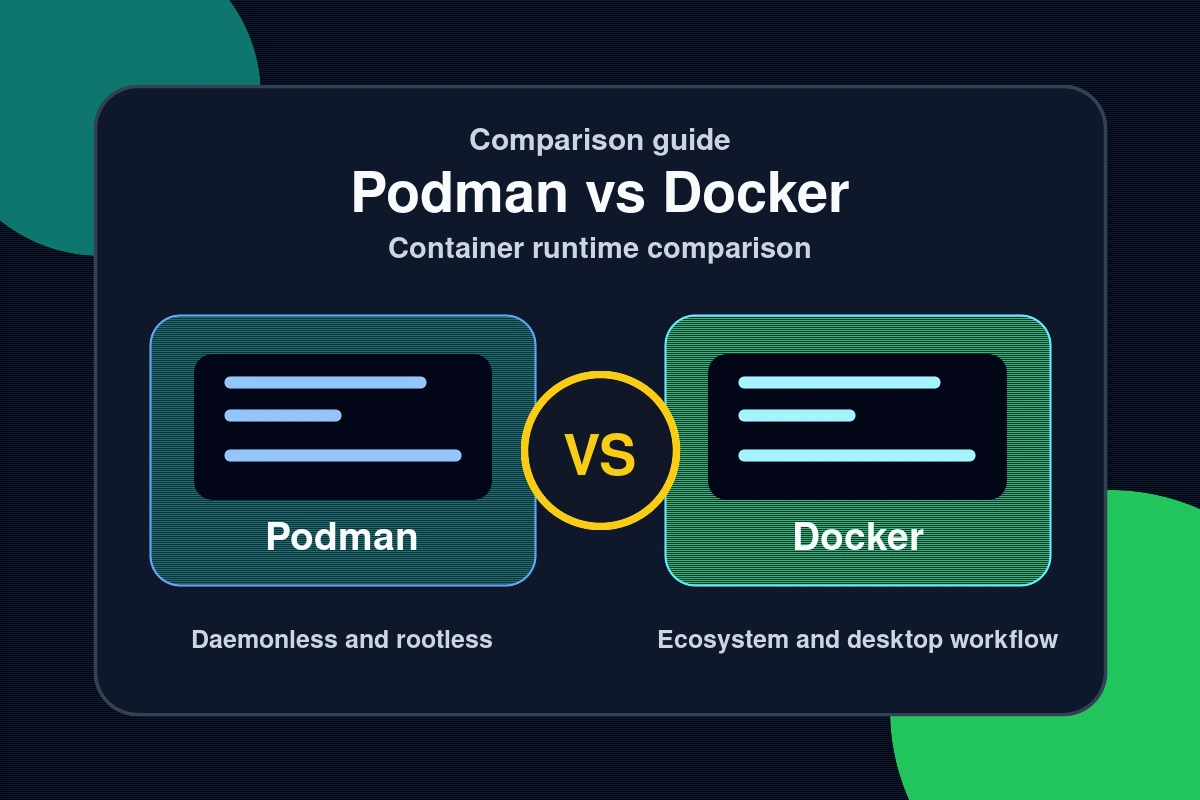
Podman eliminates the daemon entirely. Each podman command spawns its own short-lived process, isolated from all others. Rootless containers run entirely under a non-root user — if a container is compromised, the attacker gains no elevated host privileges. Podman defaults to 11 Linux kernel capabilities per container versus Docker’s 14, reducing the attack surface without requiring custom security profiles or additional hardening steps.
NIST guidelines now recommend rootless container deployments for federal and enterprise workloads. For DevOps teams in financial services, healthcare, and government — where compliance audits are mandatory — Podman’s architecture removes entire risk categories at the design level rather than patching them later.
SELinux, User Namespaces, and Enterprise Integration
Podman natively integrates with SELinux and user namespaces, automatically labeling containers for mandatory access control on Linux systems. Red Hat Enterprise Linux and RHEL-compatible distributions ship Podman as their default container engine for exactly this reason. OpenShift, which powers millions of enterprise container workloads globally, is built on Podman’s security model.
Docker added a rootless mode as an experimental feature in 2019, but it remains non-default and requires manual configuration. Podman was built rootless-first — the security model is foundational, not an afterthought. For teams that need to pass a security audit without extensive hardening work, that difference is significant.
Performance, Cost, and the 2026 Ecosystem

Benchmarks comparing Docker Engine 29.3.1 and Podman 5.8.1 show a consistent pattern: Podman starts containers 15–30% faster in cold-start scenarios. The performance difference comes from the OCI runtime each tool uses. Docker defaults to runc; Podman uses crun — a C-based runtime optimized for low-latency container creation. In sustained-throughput tests, Docker performs comparably due to daemon-side caching, but cold-start speed is the critical metric for CI/CD pipelines and auto-scaling workloads.
Beyond the core runtime, both tools have expanded in 2026. Docker 29 introduced a Model Runner feature that lets developers pull and serve local LLMs like Llama 3.2 directly from Docker Desktop. Podman 5 counters with the Podman AI Lab extension — an open-source alternative for running local models using the llama.cpp backend with hardware acceleration on Apple Silicon and Linux. For platform teams standardizing on one tool, the AI tooling parity is worth noting.
Docker Desktop Licensing vs. Podman Desktop
Since Docker revised its pricing in 2022, Docker Desktop requires paid subscriptions for organizations with more than 250 employees or more than $10 million in annual revenue. The current tiers are:
- Personal / small teams: Free (under 250 employees and under $10M revenue)
- Pro tier: $5 per user per month
- Team tier: $9 per user per month
- Business tier: $24 per user per month
Podman Desktop is fully open source and free for all organization sizes. For a 100-developer team on Docker Business, the annual cost reaches $28,800. Podman Desktop costs nothing. The Docker CLI itself remains free — only the Desktop GUI is licensed — but most developer workflows depend on the GUI for image management, container monitoring, and volume handling. Find more Dev/IT Ops guides covering container tooling, CI/CD pipelines, and platform engineering in our dedicated section.
How to Migrate from Docker to Podman in 2026
The migration is designed to be friction-free. Podman implements a Docker-compatible CLI, meaning most commands map directly with a shell alias. Here is a practical migration path that works on Linux and macOS.
Install Podman on your system:
sudo apt install podman   # Debian/Ubuntu
brew install podman        # macOS
Set a Docker alias so existing scripts and muscle memory work without changes:
alias docker=podmanVerify the setup by pulling and running a standard image:
podman pull nginx:latest
podman run -d -p 8080:80 nginx:latest
For teams using Docker Compose, Podman 5 includes native podman compose support — existing docker-compose.yml files work without modification in most configurations. For persistent container services, Podman 5’s Quadlet feature lets you write declarative .container files that Podman converts into native systemd services at runtime, replacing the fragile docker run scripts many teams use in production today.
For production Kubernetes, containerd remains the correct runtime — it runs as the default in 95% of clusters according to the CNCF. The recommended hybrid approach in 2026 is Podman for local development and CI pipelines, containerd in production Kubernetes clusters. This gives you rootless security in the dev loop without disrupting existing cluster configurations.
Visual Studio 2026 Insiders now includes native Podman support, letting developers build images, run containers, and monitor logs directly inside the IDE without Docker Desktop installed. VS Code’s Dev Containers extension also supports Podman as a backend for rootless cloud development environments.
Common Questions — Podman vs Docker
Q: Is Podman fully compatible with Docker commands?
A: Yes, for most workflows. Podman implements the same CLI interface as Docker, and a simple docker=podman alias runs existing scripts unchanged. Podman does not support Docker Swarm or certain daemon-specific APIs, but for image builds, container runs, and Compose workflows, compatibility is near-complete. Podman 5’s built-in podman compose handles standard docker-compose.yml files natively.
Q: Can I run Docker Compose files with Podman?
A: Yes. Podman 5 includes built-in podman compose support that reads standard docker-compose.yml files without modification. For more complex multi-service configurations, the standalone podman-compose package offers additional compatibility. Most teams migrating from Docker Compose find that their existing files work on the first try.
Q: Is Podman safe for enterprise production use in 2026?
A: Yes. Podman holds 23% of the enterprise container runtime market in 2025, up from just 8% in 2023. It is the default container engine on Red Hat Enterprise Linux, CentOS Stream, and OpenShift. Its rootless, daemonless architecture satisfies NIST compliance requirements that Docker’s root daemon cannot meet without significant additional hardening configuration.
Q: Why is Podman faster than Docker for container startups?
A: Podman uses crun as its default OCI runtime — a C implementation optimized for low-latency container creation. Docker uses runc by default. Benchmarks with Docker Engine 29.3.1 and Podman 5.8.1 consistently show Podman starting containers 15–30% faster for typical application images in cold-start scenarios, which directly benefits CI/CD pipeline throughput.
Conclusion
The Podman vs Docker question in 2026 has a nuanced answer. Three takeaways for your decision:
- Security-first teams: Podman’s rootless, daemonless model removes the root daemon attack surface Docker carries by default — and satisfies NIST compliance without extra hardening.
- Cost-conscious teams: For organizations with more than 50 developers, Podman Desktop’s zero-cost licensing saves tens of thousands annually versus Docker Business at $24 per user per month.
- Migrating teams: The Docker-compatible CLI, Visual Studio 2026 native support, and full Compose compatibility mean most teams can switch without rewriting a single script.
For container CVEs, supply chain attacks, and runtime vulnerability advisories, follow our security coverage.
Last Updated: April 14, 2026
How to choose between these options
Use this decision checklist if you are comparing tools for real work rather than only reading feature lists.
- Primary task: choose the tool that solves your most frequent task with the least friction.
- Setup complexity: consider whether you need local installation, accounts, drivers, network access, or mobile permissions.
- Reliability: test the tool with your actual device, network, file type, or workflow before committing.
- Privacy and safety: review what data is transmitted, stored, mirrored, or synced.
- Fallback: keep an alternative ready if the tool depends on a network, cloud account, or platform-specific feature.
Related Hubkub resources: Content Quality Standards, Software Reviews, and Safe Software Downloads.
FAQ
How should I use this guide?
Use it as a practical starting point, then verify details against your own device, account, software version, or official documentation.
What if the information becomes outdated?
Technology changes quickly. If you notice outdated steps or broken links, use Hubkub’s contact or corrections policy pages so the article can be reviewed.